
Diese Anleitung behandelt nicht die allgemeine OpenCode-Installation, sondern die eigene Suchabsicht OpenCode Ollama: lokale Modelle, Endpoint, Modellwahl, Validierung und Fehlersuche.
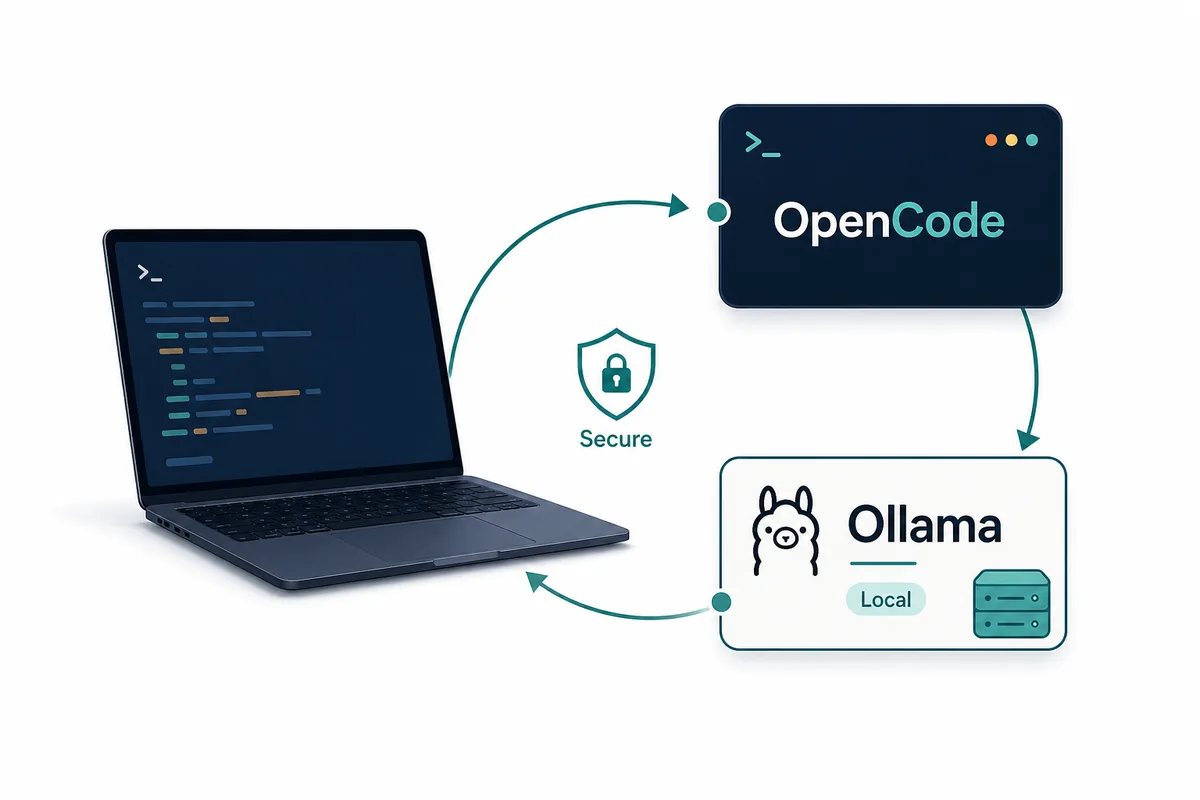
Schnelles Urteil
Prüfe zuerst die gesamte Kette: Ollama-Dienst, geladenes Modell und Sichtbarkeit in OpenCode. Vorher ist jede OpenCode-Fehlersuche unscharf.
Wenn es funktioniert, dokumentiere Modell, Endpoint und erlaubte Aufgaben, damit das Setup wiederholbar bleibt.
Entscheidungstabelle
Die Wahl hängt vom Zweck ab. Einzeltests brauchen Tempo, Teams brauchen nachvollziehbare Konfiguration.
Installation, Vergleich und Session-Speicher bleiben getrennte Suchintentionen.
| Question | Use ollama launch | Use opencode.json |
|---|---|---|
| First-time setup | Best default because it guides model selection and startup. | Useful only if you already know the exact provider fields. |
| Team repeatability | Good for demos, but easy to leave undocumented. | Better because the endpoint and model choice are explicit. |
| Local privacy | Works when the selected model actually runs locally. | Better for review because you can verify the local base URL. |
| Remote Ollama server | Less ideal unless the integration exposes the right host choice. | Better because you can point OpenCode at the server endpoint. |
| Troubleshooting | Good for confirming whether launch itself works. | Better when comparing machines, ports, and model names. |
Vor dem Start
Teste Ollama alleine. Ein zu langsames Modell wird mit Repository-Kontext nicht besser.
Nutze ein kleines Git-Repository mit sicherer Aufgabe und ohne Secrets.
Trenne außerdem Session-Verlauf, Projektkonfiguration und Secrets. Ein lokales Modell schützt nicht automatisch `.env`, Provider-Tokens oder private Pfade. Je sauberer das Repository generierte Dateien und Geheimnisse ausschließt, desto klarer wird der Kontext für OpenCode.
Für Teams sollte eine Person Modell, Port und Update-Hinweise verantworten. Ohne Ownership entstehen persönliche Sonderfälle, die bei Fehlern kaum vergleichbar sind.
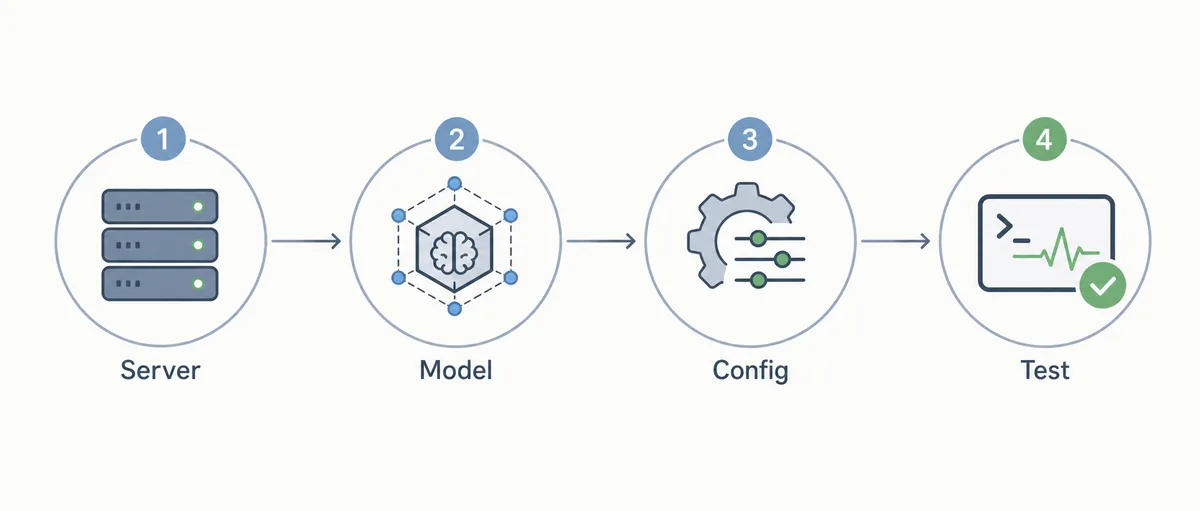
7 Checks
Die Checks trennen Dienst, Modell, Konfiguration, Lesen, Editieren, Befehle und Fehlernotizen.
- Confirm the service Run Ollama directly and make sure the default local service is reachable before opening OpenCode.
- Pull the model Use a model that is appropriate for coding and fits your memory budget.
- Choose launch or config Use `ollama launch opencode` for the first proof, then document `opencode.json` if the workflow will be reused.
- Select the model in OpenCode Open the model picker or equivalent provider selection and confirm the Ollama model is visible.
- Run a read-only task Ask OpenCode to summarize a small file before allowing edits.
- Run a low-risk edit Change documentation or a test fixture and inspect the Git diff.
- Record failure notes Save the model name, port, OS, shell, and fix for any timeout, missing model, or spawn error.
Konfigurationsbeispiel
Prüfe die offiziellen Felder. Stabil ist die Idee, OpenCode auf Ollamas OpenAI-kompatiblen Endpoint zu zeigen.
Speichere keine echten Cloud-Tokens in lokalen Beispielen.
{
  "$schema": "https://opencode.ai/config.json",
  "provider": {
    "ollama": {
      "npm": "@ai-sdk/openai-compatible",
      "name": "Ollama (local)",
      "options": {
        "baseURL": "http://localhost:11434/v1"
      }
    }
  }
}
Fehlersuche
Wenn das Modell fehlt, teste es direkt in Ollama und prüfe danach Port, base URL und Modellname.
Bei schwacher Editierqualität ist oft das Modell oder der Aufgabenumfang das Problem.
Wenn Ollama antwortet, OpenCode aber nicht, notiere Befehl, Modell, Port, Betriebssystem und Fehlermeldung. Diese kleine Spur hilft, Maschinen zu vergleichen, ohne produktive Dateien anzufassen.
Bei Latenzproblemen zuerst messen: kurze Frage, Datei lesen, kleine Änderung. Ist alles langsam, liegt es an Modell oder Hardware. Ist nur die Änderung langsam, prüfe Repository-Kontext und Berechtigungen.
Wann Ollama nicht Standard sein sollte
Ollama sollte nicht Standard sein, wenn Hardware, Kontext oder Wartung nicht ausreichen.
Ein gemischtes Setup ist oft belastbarer.
Ein hybrides Setup ist oft die bessere Entscheidung. Ollama eignet sich für private Erklärungen und Offline-Tests, während ein stärkeres Cloud-Modell schwierige Änderungen und risikoreiche Diffs übernimmt.
OpenCode Ollama FAQ
Schnellster Einstieg?
`ollama launch opencode`.
Hauptkeyword?
`opencode ollama`.
Remote-Server möglich?
Ja, wenn Endpoint und Netzwerk sicher sind.
Lokal oder Cloud?
Nutze das Modell mit prüfbaren Diffs.
Warum Fehler?
Modell fehlt, Dienst aus, URL falsch, Modellname oder PATH.
Sources
Verify commands and supported models against official documentation because OpenCode and Ollama integration details can change.