
This page is for developers who already understand basic OpenCode installation and now want local or self-hosted models through Ollama. It does not replace the general deployment guide; it focuses on the distinct Ollama decision: local privacy and cost control are useful, but only if model context, speed, tool behavior, and team documentation are good enough for the repository.
Quick verdict: start with launch, keep config for repeatability
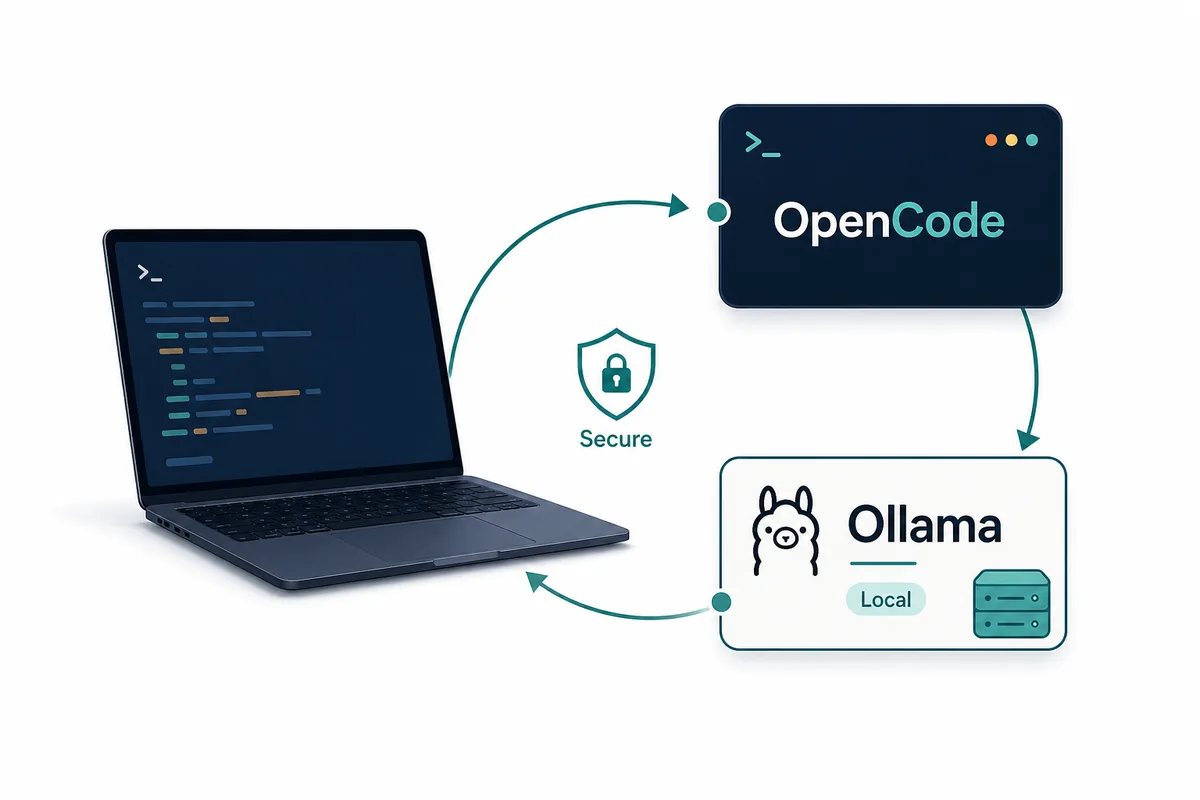
For a first test, the official Ollama path is the quickest: run `ollama launch opencode`, choose a model, and let the integration open OpenCode with the selected local or cloud model. That path reduces mistakes because you are not hand-writing provider fields before you know whether the machine, model, and terminal workflow feel usable.
For a durable setup, keep a written `opencode.json` pattern. A config file makes the provider endpoint, model name, and permission assumptions reviewable in Git or in a team note. It also helps when one machine works and another fails, because you can compare the exact base URL, model alias, and runtime version instead of relying on memory.
The practical rule is simple: use the launch command to prove the integration, then document the stable configuration once you know which model and repository workflow are worth keeping.
Ollama setup decision table
Do not choose the setup method by ideology. Choose it by the job. A solo developer testing a laptop model needs speed; a team that wants reproducible local AI coding needs a config shape, validation notes, and a rollback path.
This is also the keyword boundary for the page. General OpenCode installation remains on the deployment guide, OpenCode vs Claude Code remains on the comparison page, and session file cleanup remains on the session storage page. The new intent here is specifically OpenCode plus Ollama provider setup.
| Question | Use ollama launch | Use opencode.json |
|---|---|---|
| First-time setup | Best default because it guides model selection and startup. | Useful only if you already know the exact provider fields. |
| Team repeatability | Good for demos, but easy to leave undocumented. | Better because the endpoint and model choice are explicit. |
| Local privacy | Works when the selected model actually runs locally. | Better for review because you can verify the local base URL. |
| Remote Ollama server | Less ideal unless the integration exposes the right host choice. | Better because you can point OpenCode at the server endpoint. |
| Troubleshooting | Good for confirming whether launch itself works. | Better when comparing machines, ports, and model names. |
Before you connect OpenCode to Ollama
Check the local model separately before involving OpenCode. Install Ollama, pull a coding-capable model, and run one direct prompt from the terminal. If the model is too slow, cannot load, or runs out of memory in a simple chat, OpenCode will not magically fix it during a repository edit.
Pick a small repository for the first validation. The ideal test has Git history, a README, one small bug or documentation task, and a harmless command such as a formatter or unit test. Avoid production migrations, deployment scripts, secret files, or customer data until the local model proves it can follow instructions and produce reviewable diffs.
Be realistic about hardware. Local models trade provider cost and data locality for memory pressure and slower response time. Smaller models can be useful for explanation and lightweight edits, while larger coding models may need more VRAM or a remote GPU host.
7 checks for a reliable OpenCode Ollama workflow
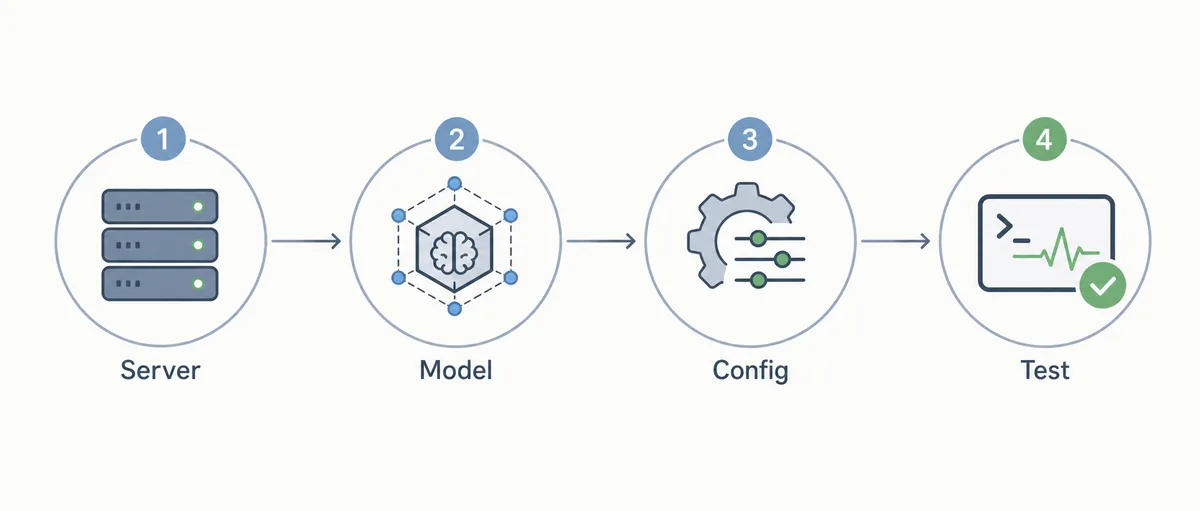
These checks keep the setup practical. The goal is not to prove that local models are always better; the goal is to know exactly where the chain works or breaks: Ollama service, model loading, OpenCode provider wiring, repository context, edit quality, and command approval.
- Confirm the service Run Ollama directly and make sure the default local service is reachable before opening OpenCode.
- Pull the model Use a model that is appropriate for coding and fits your memory budget.
- Choose launch or config Use `ollama launch opencode` for the first proof, then document `opencode.json` if the workflow will be reused.
- Select the model in OpenCode Open the model picker or equivalent provider selection and confirm the Ollama model is visible.
- Run a read-only task Ask OpenCode to summarize a small file before allowing edits.
- Run a low-risk edit Change documentation or a test fixture and inspect the Git diff.
- Record failure notes Save the model name, port, OS, shell, and fix for any timeout, missing model, or spawn error.
Example opencode.json shape for Ollama
The exact configuration may change as OpenCode and Ollama evolve, so verify commands against official docs before standardizing them. The stable idea is that OpenCode treats Ollama as a local provider through an OpenAI-compatible endpoint, commonly on `http://localhost:11434/v1`.
Keep secrets out of the file. A local Ollama endpoint normally does not need a provider API key, but the same repository may also define cloud providers. Do not mix local provider examples with real production tokens.
{
  "$schema": "https://opencode.ai/config.json",
  "provider": {
    "ollama": {
      "npm": "@ai-sdk/openai-compatible",
      "name": "Ollama (local)",
      "options": {
        "baseURL": "http://localhost:11434/v1"
      }
    }
  }
}
Troubleshooting: isolate the failing layer
If OpenCode cannot see the model, first confirm Ollama can run it directly. Then check whether the local server is listening, whether the base URL includes the right path, and whether the selected model name matches what Ollama exposes. Changing three settings at once usually makes the failure harder to reproduce.
If the model answers but edits are poor, the issue may not be installation. Try a smaller task, reduce the repository scope, or use a stronger model for code edits and keep the local model for explanation. Local does not automatically mean best for every coding job.
If a remote Ollama server is involved, treat it like infrastructure. Confirm host reachability, firewall rules, authentication expectations, latency, and whether you are exposing a model endpoint beyond the trusted network. A private local endpoint is different from a public model server.
When not to use Ollama as your default OpenCode provider
Do not make Ollama the default just because it is local. If your repository is large, the model context is too small, or the hardware makes every edit painfully slow, a cloud model may be the more reliable default while Ollama remains useful for private exploration and offline explanation.
Avoid local-only workflows when the team cannot support them. Someone must own the model choice, hardware notes, update cadence, and troubleshooting path. Otherwise every developer ends up with a different local assistant and the team loses the repeatability that a coding agent is supposed to improve.
A balanced setup often works best: one stable cloud model for hard repository edits, one local Ollama model for low-risk questions or private experiments, and a short note explaining when to use each.
OpenCode Ollama FAQ
What is the fastest way to connect OpenCode with Ollama?
Start with `ollama launch opencode` to prove the integration, then document a stable config if you plan to reuse it.
What is the primary keyword for this guide?
The primary keyword is `opencode ollama`; supporting phrases include `opencode ollama setup`, `how to configure ollama with opencode`, and `opencode local model`.
Can OpenCode use Ollama on another machine?
Yes, if the Ollama server is reachable and the OpenCode provider base URL points to that server. Treat remote access and firewall exposure carefully.
Should I use Ollama or a cloud model for code edits?
Use the model that produces reliable, reviewable diffs for your repository. Ollama is attractive for local control, but some edits still need a larger or faster model.
Why does OpenCode fail after Ollama is installed?
Common causes are a model that was not pulled, an Ollama service that is not running, a wrong base URL, a mismatched model name, or a terminal PATH issue.
Sources
Verify commands and supported models against official documentation because OpenCode and Ollama integration details can change.