
Quick answer: OpenCode documentation points developers to local data under the user data directory, commonly a path like ~/.local/share/opencode/project/{project}/storage/session on Unix-like systems. Exact paths can vary by OS, install method, and project slug. Use the official troubleshooting page as the source of truth for current path examples, then verify the folder on your own machine before moving files.
Quick answer: the session folder is local and project-specific
The search intent behind “where are OpenCode sessions stored” is usually operational: a developer wants to recover a past chat, move context to a new machine, understand disk usage, or confirm whether sensitive prompts are stored locally. Treat it like repository metadata. It can help debugging, but it can also contain paths, code excerpts, command output, and accidental secrets.
Do not assume every OpenCode install uses the exact same visible folder name. The official path pattern is the starting point, not a substitute for checking the actual user data directory on your machine. On macOS and Linux, OpenCode commonly follows XDG-style local data paths. On Windows, look for the equivalent application data location if your environment maps Unix-like paths through WSL or a terminal runtime.
The important distinction is project versus global data. Project session storage belongs to a specific working directory, while global configuration and provider credentials live elsewhere. Backing up session history is not the same as backing up API keys or provider settings.
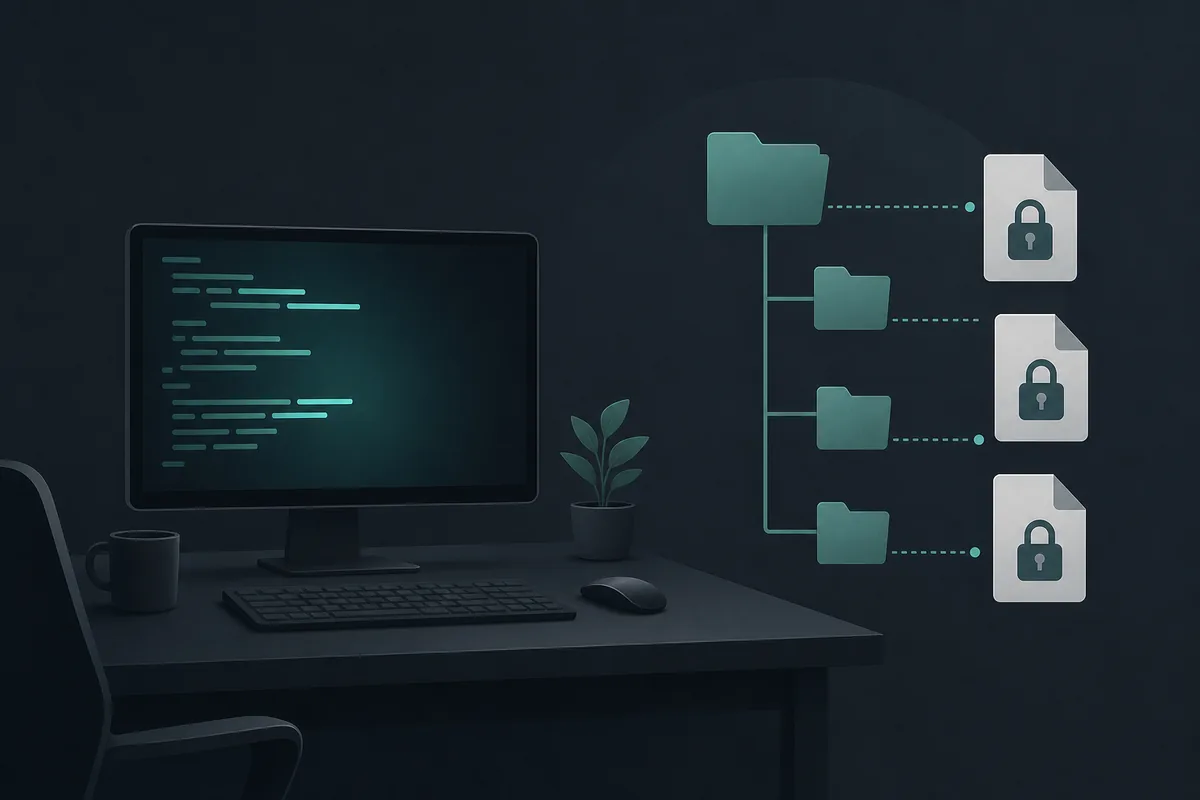
5 path checks before you copy or delete sessions
Use this sequence before any backup, migration, or cleanup. First, open the same repository where the session was created and confirm the current OpenCode project identity. Second, inspect the OpenCode data directory shown by the official docs or your runtime. Third, look for a project folder whose slug matches the repository path. Fourth, check timestamps before touching files. Fifth, copy the folder to a safe archive before deleting anything.
If you run OpenCode in WSL, Docker, a remote SSH shell, or a dev container, the session folder belongs to that runtime, not necessarily your host desktop. A common mistake is searching the Windows profile while the actual session was created inside WSL. Another common mistake is copying only a visible JSON file and missing adjacent metadata used by the session viewer.
When in doubt, create a new tiny session in a disposable test project, then watch which files change. That gives you a safe local fingerprint without editing production repository history.
Which session storage task are you trying to solve?
Session files show up in several practical workflows: finding the folder, backing it up, restoring it elsewhere, deciding what can be deleted, and deciding what is safe to share. Use this table to choose the least risky action before touching the files.
| Situation | Best action | Why it matters |
|---|---|---|
| You need the session folder | Verify the runtime and project data path | The folder can differ between host OS, WSL, containers, SSH hosts, and project slugs |
| You are looking for opencode.json | Use the configuration guide, not session history | Project configuration and chat/session records are different kinds of data |
| You need provider connection help | Review setup and provider configuration first | Connection problems usually belong to credentials and model settings, not session storage |
| You want to move history to another machine | Create the target project once, then restore a private copy | Creating the destination structure first reduces path and version mismatch |
| You plan to share session files | Prefer a summary or minimal reproduction | Raw sessions may contain prompts, paths, code, terminal output, and secrets |
How to back up or move OpenCode sessions safely
For a normal backup, close OpenCode first so files are not being written while you copy them. Copy the project session directory into a dated archive outside the repository, for example a private backup folder or encrypted drive. Do not commit session folders to Git. They are local operational records, not source code.
For migration to another machine, install OpenCode and open the target repository once before restoring old sessions. That creates the expected base directories. Then copy only the relevant project session folder, keep the original archive untouched, and test whether the old history appears. If it does not, do not keep retrying destructive moves; compare directory names, runtime environment, and OpenCode version.
For team use, share a written summary instead of raw session files whenever possible. A summary can preserve the useful debugging trail without exposing prompts, local file paths, command output, or private repository details.
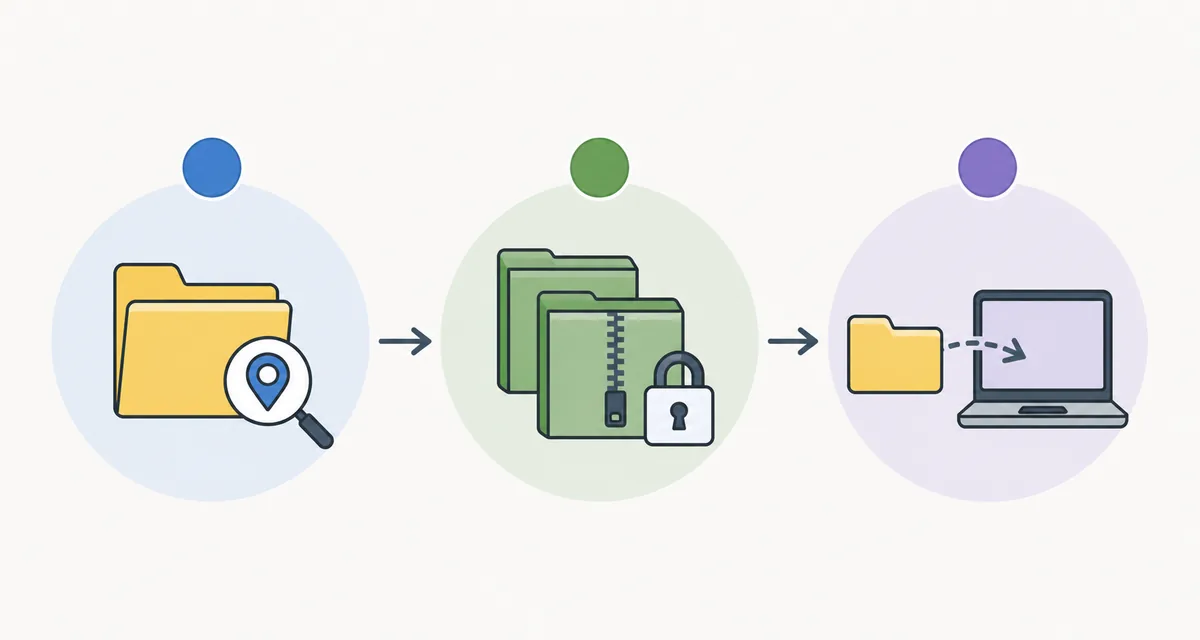
Privacy checks before sharing or cleaning session files
Session files may include more than conversational text. They can include snippets of code, terminal output, file paths, model responses, tool traces, and error messages. Before you send one to a teammate, issue tracker, or vendor, search for API keys, bearer tokens, environment variables, private hostnames, customer identifiers, and proprietary code.
If you only need to prove a bug, create a minimal reproduction in a throwaway repository and capture a fresh session there. That is usually safer than redacting a large real project session. Redaction helps, but it is easy to miss a token inside command output or a copied stack trace.
Cleanup is safe only when you know what you are deleting. Remove old project session folders to reduce disk usage or remove sensitive traces, but keep a private archive first if the history might matter for audit, debugging, or handoff.

Troubleshooting when the expected folder is empty
An empty folder usually means you are checking the wrong runtime, wrong user profile, wrong project slug, or wrong OpenCode version. Confirm whether the session was created in a remote machine, WSL shell, container, or another OS account. Then compare recent modified times across likely OpenCode data directories.
Also check whether the session was created after a project path rename. Some tools derive project storage paths from directory names or normalized paths. Moving the repository can make old sessions appear disconnected even when the files still exist.
If the session is important, avoid running cleanup commands while troubleshooting. Copy candidate directories first, then inspect filenames, timestamps, and JSON structure in a safe editor.
Team policy checklist for session handling
A lightweight policy prevents most session storage mistakes. Document the expected data directory for each supported environment, including macOS, Linux, Windows terminal, WSL, SSH hosts, and containers. Add a note that the active runtime owns the files, so a developer should search inside the shell where OpenCode actually ran.
Define what is allowed to leave a laptop. For example, a short written summary can go into an issue, a redacted minimal reproduction can go to a vendor, and raw session folders should stay in private storage unless a maintainer explicitly approves the transfer.
Keep cleanup boring and reversible. Close OpenCode, copy the session folder to a dated archive, check the repository still opens normally, and only then remove old local history. That order gives teams a way back if a developer deleted the wrong project folder.
Summary: treat sessions like private project records
OpenCode session files are useful because they preserve project context, but that same context makes them sensitive. Locate the project-specific folder, back it up before changes, avoid committing it, and redact carefully before sharing. For most teams, the best practice is to document the path, backup rule, and cleanup rule in the internal AI coding workflow note.
OpenCode session storage FAQ
Where are OpenCode sessions stored?
They are stored locally in OpenCode’s user data area, with project-specific session folders. The official troubleshooting docs show the current path pattern; verify the actual folder for your OS and runtime.
Can I delete old OpenCode sessions?
Yes, if you no longer need the history, but close OpenCode first and make a private backup when the session may matter for debugging or audit.
Should I commit OpenCode session files to Git?
No. Session files can contain private prompts, code snippets, command output, and local paths. Keep them out of the repository.
Why can’t I find my session folder?
You may be looking in the host OS while the session was created in WSL, SSH, a container, or another user profile. Check the runtime where OpenCode actually ran.
Can I move OpenCode sessions to another machine?
Usually you can copy project session data, but restore it carefully after installing OpenCode and opening the target project once. Keep the original archive untouched until verification passes.
Sources
Use official documentation for current path examples and third-party session readers only as supporting context.