
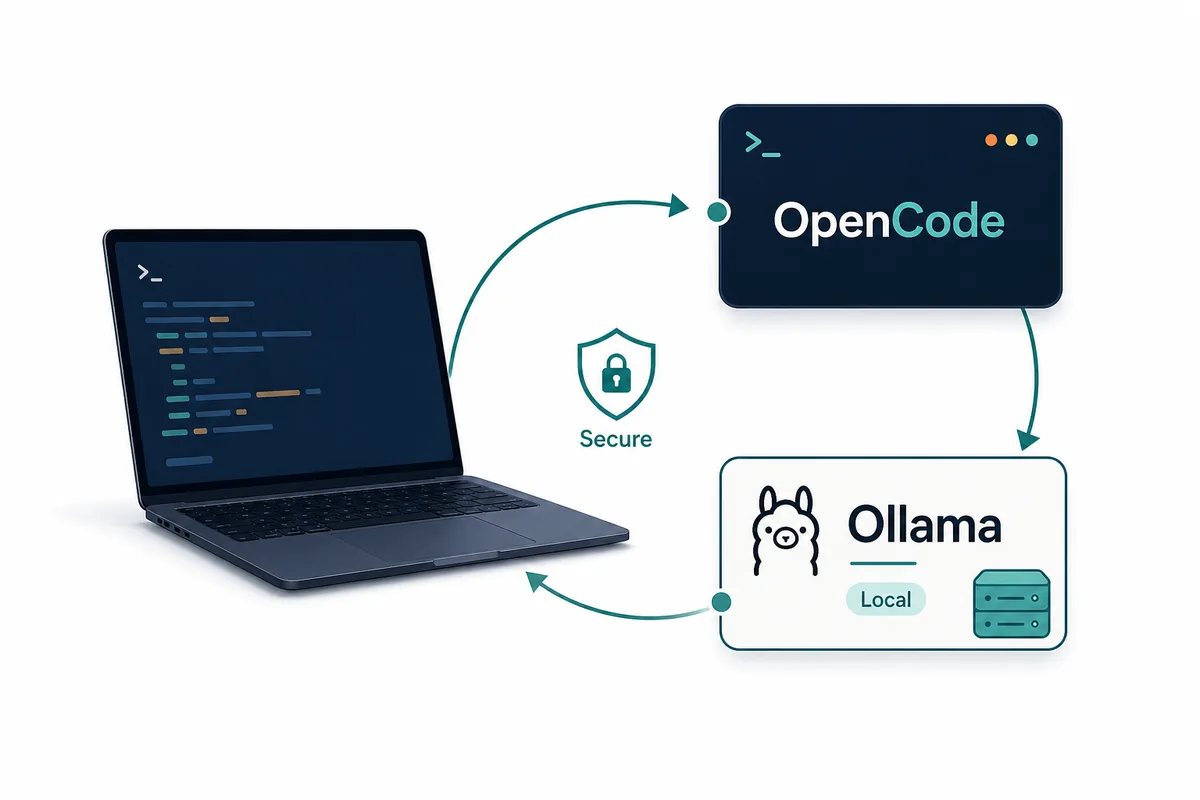
이 글은 OpenCode 일반 설치가 아니라 OpenCode Ollama 연결 의도에 집중합니다. 로컬 모델, 엔드포인트, 검증, 문제 해결을 단계별로 다룹니다.
빠른 결론
먼저 Ollama 서비스, 모델 로딩, OpenCode에서의 표시 여부를 순서대로 확인합니다.
성공하면 모델명, 엔드포인트, 허용할 작업 범위를 문서로 남겨 재현 가능하게 만듭니다.
결정 표
개인 첫 테스트는 속도가 중요하고, 팀 환경은 재현성과 검토 가능성이 중요합니다.
일반 설치, Claude Code 비교, 세션 저장 위치와는 검색 의도를 분리합니다.
| Question | Use ollama launch | Use opencode.json |
|---|---|---|
| First-time setup | Best default because it guides model selection and startup. | Useful only if you already know the exact provider fields. |
| Team repeatability | Good for demos, but easy to leave undocumented. | Better because the endpoint and model choice are explicit. |
| Local privacy | Works when the selected model actually runs locally. | Better for review because you can verify the local base URL. |
| Remote Ollama server | Less ideal unless the integration exposes the right host choice. | Better because you can point OpenCode at the server endpoint. |
| Troubleshooting | Good for confirming whether launch itself works. | Better when comparing machines, ports, and model names. |
시작 전 확인
OpenCode 전에 Ollama 단독 실행을 확인합니다. 느리거나 메모리가 부족한 모델은 저장소 작업에서 더 불안정합니다.
Git 이 있는 작은 저장소와 안전한 작업으로 시작합니다.
세션 기록, 프로젝트 설정, secret 을 구분하세요. 로컬 모델이라고 해서 `.env`, provider token, 개인 경로가 자동으로 안전해지는 것은 아닙니다. 제외 규칙이 명확할수록 OpenCode 가 받는 저장소 문맥도 깨끗해집니다.
팀에서는 권장 모델, 포트, 업데이트 방식, 문제 해결 담당자를 정해야 합니다. 담당자가 없으면 각 머신이 서로 다른 예외 설정을 갖게 됩니다.
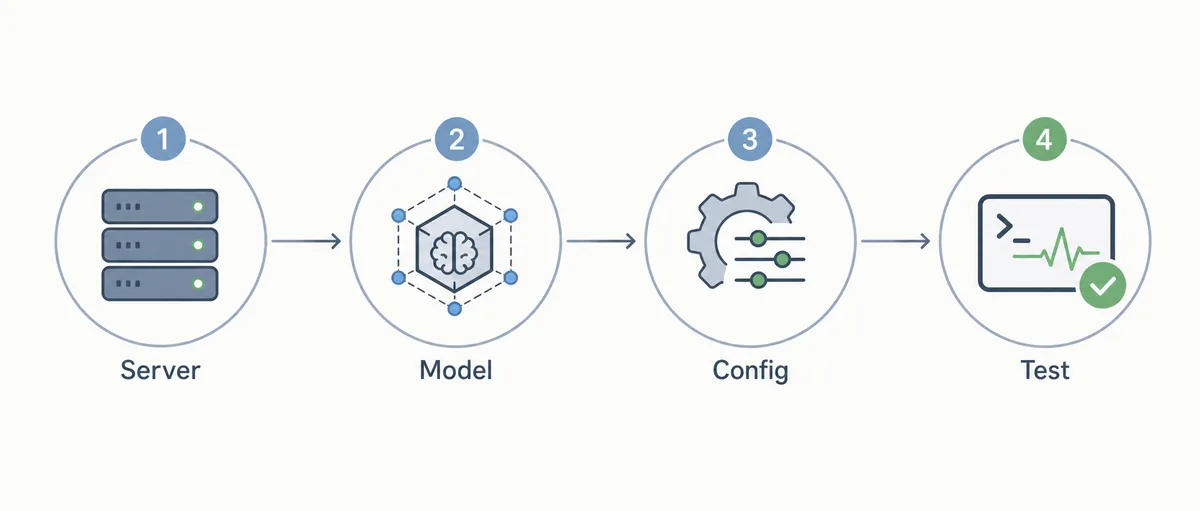
7가지 점검
7가지 점검은 서비스, 모델, 설정, 읽기, 편집, 명령, 오류 기록을 나누기 위한 절차입니다.
- Confirm the service Run Ollama directly and make sure the default local service is reachable before opening OpenCode.
- Pull the model Use a model that is appropriate for coding and fits your memory budget.
- Choose launch or config Use `ollama launch opencode` for the first proof, then document `opencode.json` if the workflow will be reused.
- Select the model in OpenCode Open the model picker or equivalent provider selection and confirm the Ollama model is visible.
- Run a read-only task Ask OpenCode to summarize a small file before allowing edits.
- Run a low-risk edit Change documentation or a test fixture and inspect the Git diff.
- Record failure notes Save the model name, port, OS, shell, and fix for any timeout, missing model, or spawn error.
설정 예시
최신 필드는 공식 문서를 확인하세요. 핵심은 OpenCode가 Ollama의 OpenAI 호환 엔드포인트를 보게 하는 것입니다.
로컬 예시에 실제 클라우드 토큰을 넣지 마세요.
{
  "$schema": "https://opencode.ai/config.json",
  "provider": {
    "ollama": {
      "npm": "@ai-sdk/openai-compatible",
      "name": "Ollama (local)",
      "options": {
        "baseURL": "http://localhost:11434/v1"
      }
    }
  }
}
문제 해결
모델이 보이지 않으면 Ollama에서 직접 실행한 뒤 포트, base URL, 모델명을 확인합니다.
편집 품질이 낮다면 설정보다 모델 능력이나 작업 범위 문제일 수 있습니다.
Ollama 는 응답하지만 OpenCode 가 실패하면 명령, 모델명, 포트, OS, 오류 메시지를 짧게 기록하세요. 이 기록이 있어야 다른 머신과 비교할 수 있습니다.
느린 것이 문제라면 짧은 질문, 파일 읽기, 작은 편집을 따로 측정하세요. 모두 느리면 모델 또는 하드웨어 문제이고, 편집만 느리면 문맥과 권한을 봐야 합니다.
기본 provider 로 쓰지 않을 때
하드웨어, 컨텍스트, 유지보수 담당이 부족하면 기본 provider 로 쓰지 않는 편이 낫습니다.
어려운 편집은 클라우드, 가벼운 설명은 Ollama로 나누는 방식도 현실적입니다.
현실적으로는 혼합 구성이 안정적입니다. Ollama 는 비공개 설명과 오프라인 실험에 쓰고, 어려운 변경과 중요한 diff 는 더 강한 클라우드 모델에 맡길 수 있습니다.
OpenCode Ollama FAQ
가장 빠른 방법은?
`ollama launch opencode` 입니다.
주 키워드는?
`opencode ollama` 입니다.
원격 Ollama 가능?
안전한 엔드포인트라면 가능합니다.
로컬 또는 클라우드?
검토 가능한 diff 를 만드는 모델을 쓰세요.
실패 원인은?
모델 없음, 서비스 중지, URL, 이름, PATH 문제입니다.
Sources
Verify commands and supported models against official documentation because OpenCode and Ollama integration details can change.