
If you are still experimenting, run both on one low-risk repository for a week. Use the same bug fix, refactor, test-writing task, and documentation task. Compare setup time, approval friction, edit quality, recovery, and teammate onboarding.
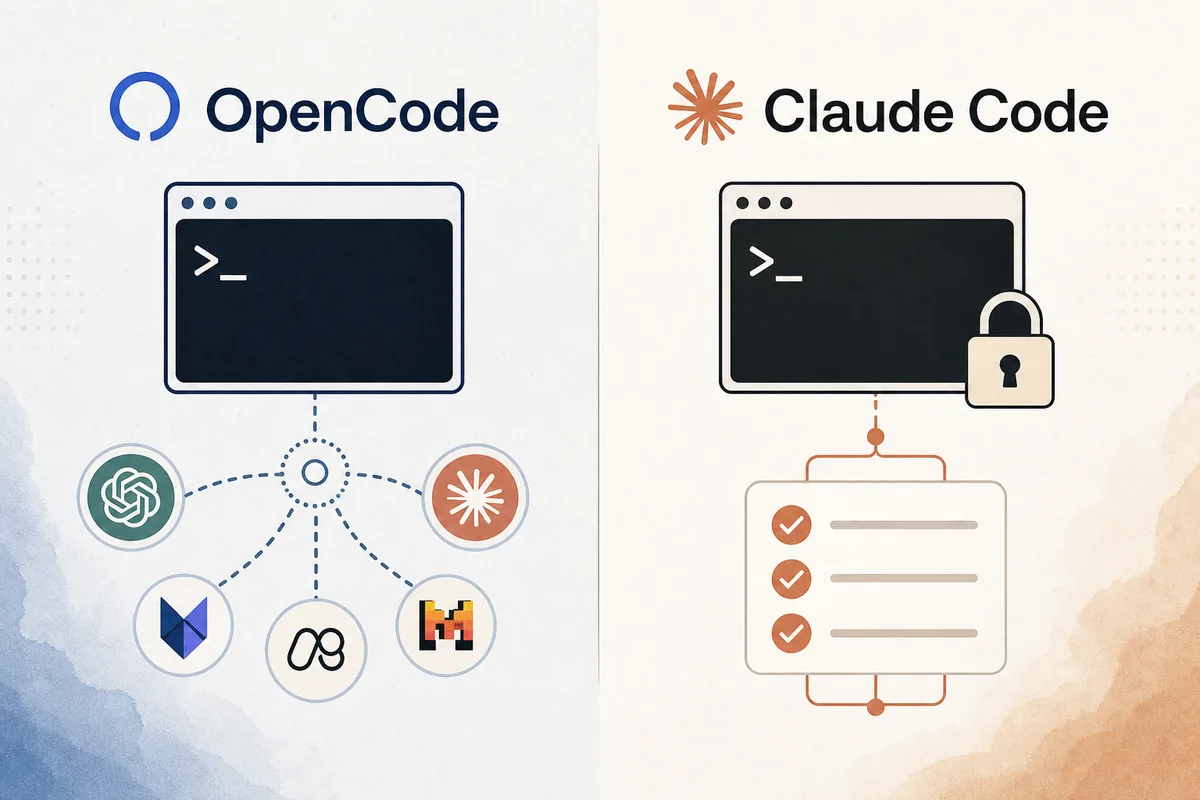
Quick verdict: use OpenCode for flexibility, Claude Code for Claude-native depth
OpenCode is a strong fit when you want an AI coding assistant that is not tied to one model vendor. That matters if your company tests multiple providers, uses OpenRouter-style routing, keeps different models for planning and code edits, or needs a fallback when one provider is slow. It also suits developers who prefer a terminal-first workflow and want the tool to sit close to Git, shell commands, and project configuration.
Claude Code is a strong fit when your team already trusts Anthropic models and wants the shortest path to a polished Claude-focused coding loop. The practical advantage is consistency: one model family, one vendor documentation path, and a workflow many teams can explain without teaching provider routing first.
The tradeoff is control versus integration. OpenCode asks you to make more provider and configuration decisions, which can be powerful but also easier to misconfigure. Claude Code narrows that decision surface, which can reduce rollout complexity but may be less flexible if your team wants to mix vendors or optimize every task by model.
Decision table: when each tool is the better first choice
This table is also the keyword boundary for the page. It is not an OpenCode installation tutorial and it is not a Claude Code product page. The intent is comparison: a developer or team lead wants to decide which tool should be tested first, which risks to check, and where each tool fits.
| Decision factor | Choose OpenCode when | Choose Claude Code when |
|---|---|---|
| Provider policy | You need multiple model providers, custom base URLs, or frequent model switching. | You are comfortable standardizing on Anthropic and want fewer provider choices. |
| Setup style | You prefer a configurable CLI and can document provider setup for your team. | You want a Claude-native path with less provider routing to explain. |
| Cost control | You want to move routine tasks to cheaper models and reserve premium models for hard edits. | You accept vendor-level pricing and prefer consistent model behavior over model shopping. |
| Repository risk | You can define permission boundaries, ignored paths, and approval habits carefully. | You want a tighter default workflow and can keep sensitive repos under a known vendor policy. |
| Team rollout | Your team has advanced users who can own configuration and troubleshooting. | You need a simpler onboarding story for developers who do not want to tune providers. |
| Best first test | Run a provider switch, a refactor, and a command approval test. | Run a bug fix, a test-writing task, and a documentation task in the same repo. |
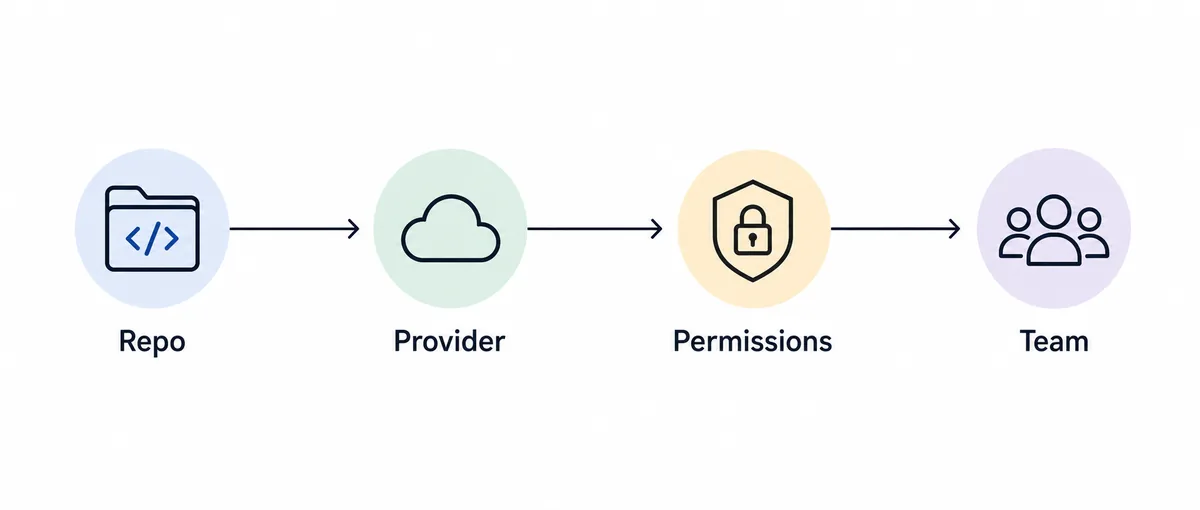
Where OpenCode wins: provider freedom and configurable workflows
OpenCode’s clearest advantage is provider flexibility. If you run one provider for planning, another for code edits, and a cheaper model for routine file explanation, OpenCode lets that decision live closer to your project workflow. This is useful for teams that already evaluate models continuously or work in regions where network routes and provider availability change.
A second advantage is operational portability. A CLI-centered workflow is easy to document in a repository note: install command, environment variables, provider settings, ignored paths, and a validation task. That makes OpenCode attractive for developers who treat the AI tool like any other project dependency.
The cost benefit is practical rather than automatic. OpenCode does not magically make work cheaper; it gives you more room to choose cheaper or specialized models when the task allows. Without naming conventions, default-model rules, and a short troubleshooting note, that flexibility can become confusion.
Where Claude Code wins: integrated Claude workflow and simpler standardization
Claude Code is easier to justify when your team has already selected Anthropic as the main AI provider. In that environment, a Claude-native coding tool reduces the number of decisions that must be made before a developer can start: the model family, support path, and documentation source are already aligned.
It can also be a better default for teams that care more about repeatable behavior than provider experimentation. Fewer moving parts often means fewer onboarding questions. That matters when a team lead wants every developer to use the same assistant behavior for tests, code review preparation, and small refactors.
The limitation is that a simpler provider story can become a constraint if your team later wants deep model routing. If you expect to use several vendors or switch models aggressively by task type, treat Claude Code as the stable baseline and OpenCode as the flexible bench test rather than assuming one must replace the other.
Migration checklist: test the same work before switching
Do not migrate because a comparison post says one tool is better. Create a small benchmark repo and run the same tasks in both tools. Use one bug fix with tests, one medium refactor, one documentation update, one command that should require approval, and one intentionally ambiguous request that should trigger clarification or a safe plan.
Track five practical signals: how long setup took, whether the model understood repository structure, whether edits were easy to review in Git, whether command execution felt safe, and how much cleanup was needed after the task. The winner is the tool that improves the full loop, not only the first answer.
If you already run OpenCode, do not replace it with Claude Code just for brand familiarity. First check whether your existing provider routing solves a real cost or latency problem. If you already run Claude Code, do not add OpenCode unless provider flexibility, local configuration, or fallback routing will be used by actual developers.
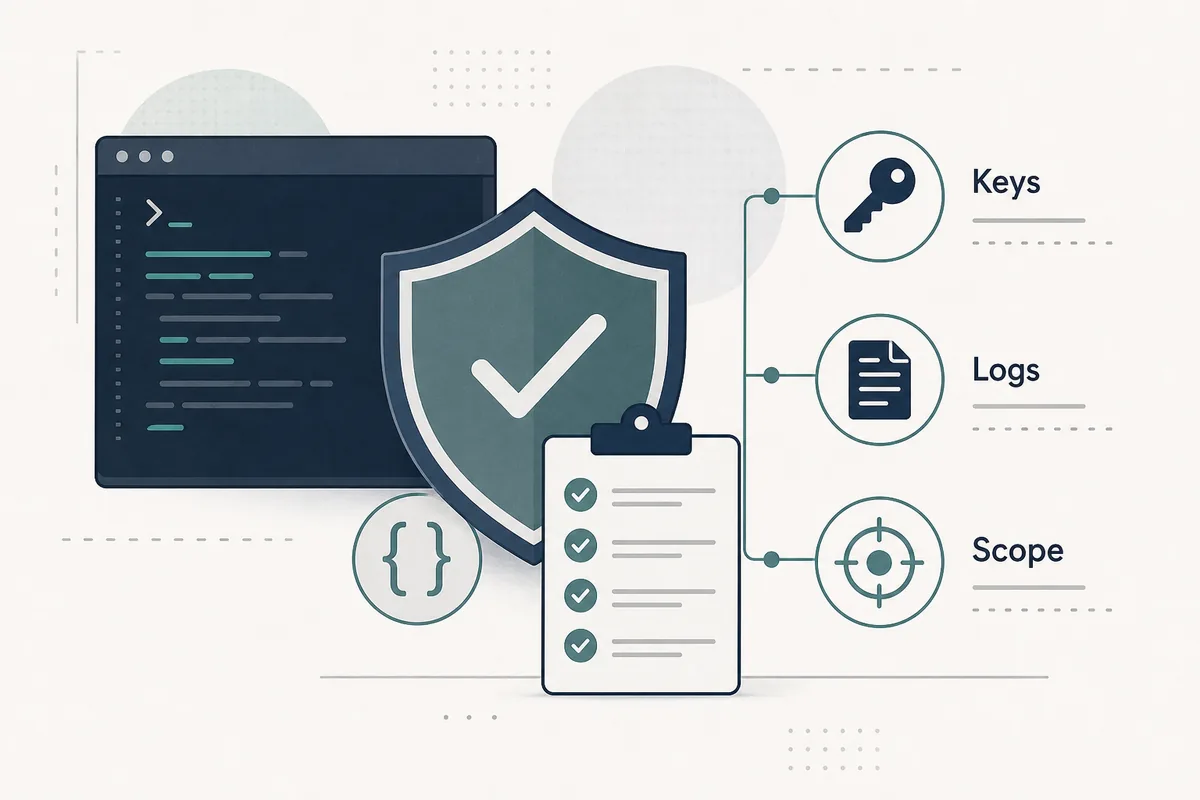
Safety checks before either tool touches production code
For both tools, keep API keys out of the repository, avoid writing secrets into project config, and exclude generated folders, environment files, and large build outputs from the assistant’s normal attention. The same Git hygiene that protects a human workflow also protects an AI coding workflow.
Use small approval scopes first. Ask the tool to read files, explain a change, and propose a diff before allowing broad edits or shell commands. When the repository contains deployment scripts, database migrations, payment code, authentication, or customer data, require human review before commands run.
Finally, preserve logs that help debugging without storing sensitive prompts or secrets. Teams often evaluate answer quality but forget auditability. A tool that makes every change easy to inspect, revert, and explain is safer than a tool that produces impressive edits but leaves unclear command history.
Summary: the practical default
For an individual developer, OpenCode is the better first experiment if you like provider control and already understand CLI configuration. For a team that has already chosen Anthropic and wants a consistent assistant story, Claude Code is often the lower-friction first rollout.
The most defensible process is to test both with the same repository and score the full development loop: setup, edit quality, permission model, cost visibility, and recovery after mistakes. That gives you a decision you can explain to the next developer who joins the project.
OpenCode vs Claude Code FAQ
Is OpenCode better than Claude Code?
OpenCode is better when provider flexibility and configurable CLI behavior matter. Claude Code is better when a Claude-native workflow and simpler team standardization matter more.
Can I use both OpenCode and Claude Code?
Yes. Many developers can keep Claude Code for Claude-heavy work and use OpenCode when they want to test other providers or route simpler tasks to cheaper models.
Which tool is safer for production repositories?
Safety depends less on the brand and more on permissions, secret handling, command approval, logs, and human review. Start with read-only or approval-first behavior in either tool.
Does OpenCode vs Claude Code affect cost?
It can. OpenCode can make model routing easier, which may reduce routine-task cost if your team manages defaults well. Claude Code keeps cost tied to the Anthropic path, which may be simpler to govern.
What should I test first?
Use the same repo and run a bug fix, a refactor, a test-writing task, and a command-approval task. Compare the whole workflow, not just the first generated answer.
Sources
Use official documentation for commands, settings, pricing, and model availability because these details can change.