
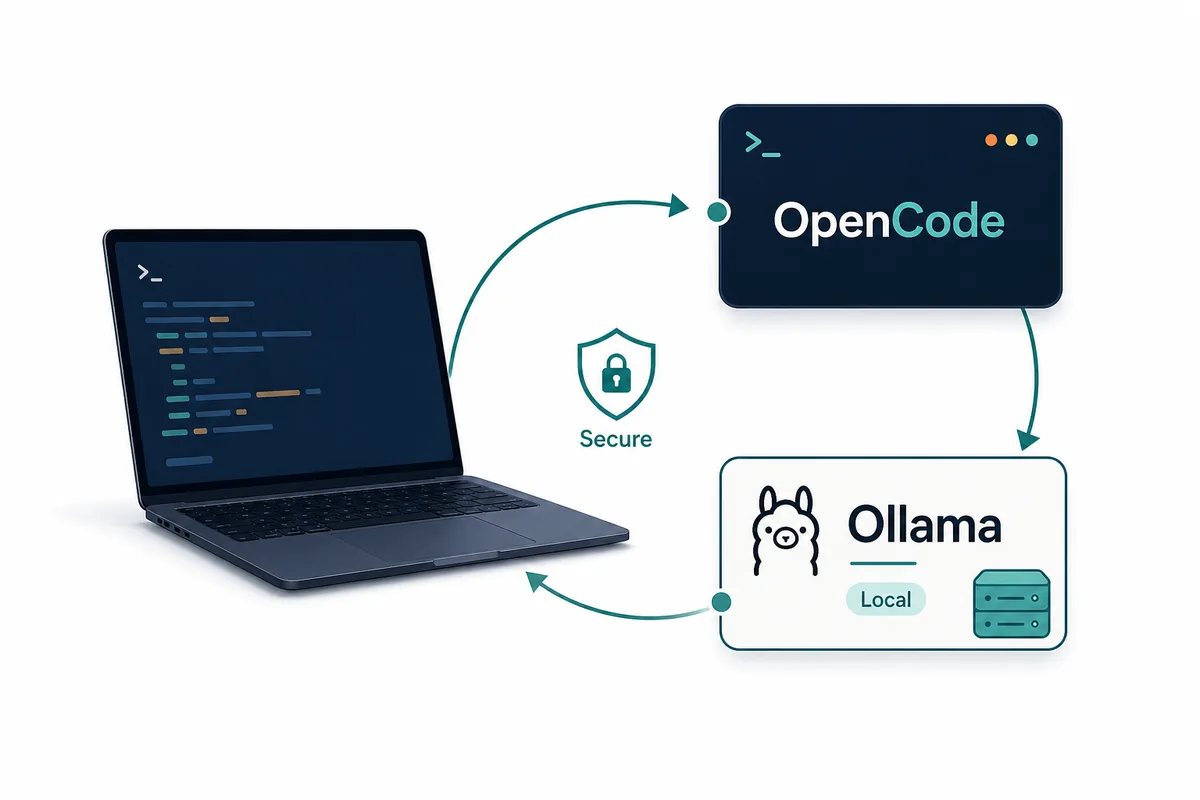
このページは一般的な OpenCode 導入ではなく、OpenCode Ollama 連携に絞ったガイドです。ローカル実行、モデル選択、検証、トラブルシュートを扱います。
短い結論
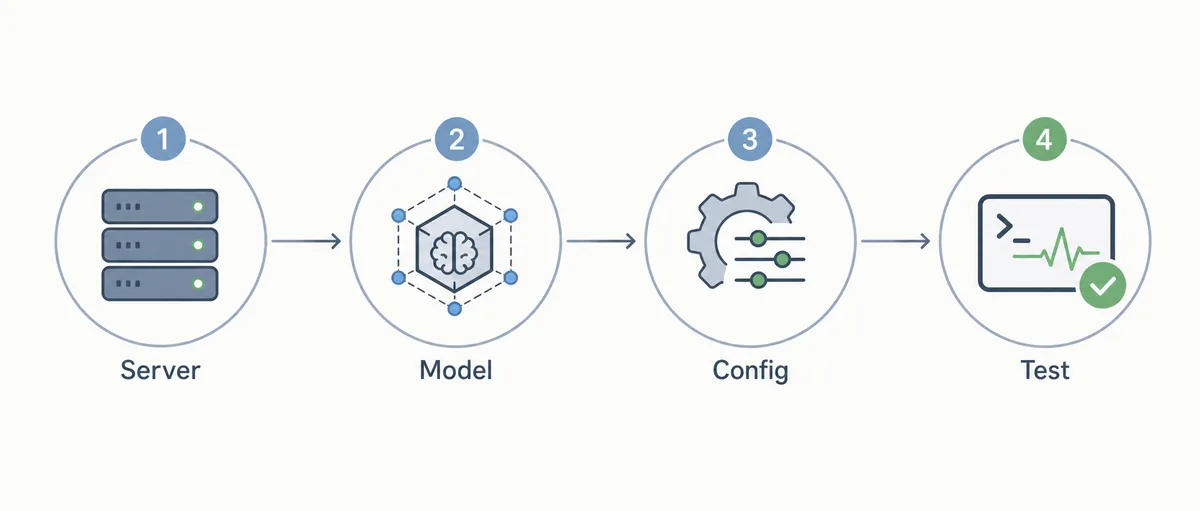
まず Ollama サービス、モデル読み込み、OpenCode からの可視性を順に確認します。ここが不安定なまま設定を増やすと原因が分かりにくくなります。
成功したらモデル名、endpoint、許可する作業範囲をメモし、再現できる設定にします。
判断表
個人の初回検証は速度が重要ですが、チーム利用では再現性とレビュー可能性が重要です。
一般導入、Claude Code 比較、session 保存場所とは検索意図を分けます。
| Question | Use ollama launch | Use opencode.json |
|---|---|---|
| First-time setup | Best default because it guides model selection and startup. | Useful only if you already know the exact provider fields. |
| Team repeatability | Good for demos, but easy to leave undocumented. | Better because the endpoint and model choice are explicit. |
| Local privacy | Works when the selected model actually runs locally. | Better for review because you can verify the local base URL. |
| Remote Ollama server | Less ideal unless the integration exposes the right host choice. | Better because you can point OpenCode at the server endpoint. |
| Troubleshooting | Good for confirming whether launch itself works. | Better when comparing machines, ports, and model names. |
始める前の確認
OpenCode の前に Ollama 単体で試します。遅すぎるモデルやメモリ不足のモデルは、リポジトリ作業ではさらに不安定になります。
Git 履歴と README がある小さなリポジトリで安全なタスクから始めます。
session 履歴、プロジェクト設定、secret は分けて考えます。ローカルモデルを使っても `.env` や provider token が安全になるわけではありません。除外ルールが明確なリポジトリほど、OpenCode に渡る文脈も整理されます。
チームでは推奨モデル、port、更新方針、トラブルシュートの担当者を決めます。担当がないと、各端末で別々の設定が増え、同じエラーを再現できなくなります。
7つのチェック
7項目はサービス、モデル、設定、読み取り、編集、コマンド、エラー記録を切り分けるためのものです。
- Confirm the service Run Ollama directly and make sure the default local service is reachable before opening OpenCode.
- Pull the model Use a model that is appropriate for coding and fits your memory budget.
- Choose launch or config Use `ollama launch opencode` for the first proof, then document `opencode.json` if the workflow will be reused.
- Select the model in OpenCode Open the model picker or equivalent provider selection and confirm the Ollama model is visible.
- Run a read-only task Ask OpenCode to summarize a small file before allowing edits.
- Run a low-risk edit Change documentation or a test fixture and inspect the Git diff.
- Record failure notes Save the model name, port, OS, shell, and fix for any timeout, missing model, or spawn error.
設定例
公式ドキュメントで最新フィールドを確認してください。基本は OpenCode から Ollama の OpenAI 互換 endpoint へ向けることです。
ローカル例に実際のクラウド token を混ぜないでください。
{
  "$schema": "https://opencode.ai/config.json",
  "provider": {
    "ollama": {
      "npm": "@ai-sdk/openai-compatible",
      "name": "Ollama (local)",
      "options": {
        "baseURL": "http://localhost:11434/v1"
      }
    }
  }
}
トラブルシュート
モデルが見えない時は、まず Ollama 単体で起動し、次にポート、base URL、モデル名を確認します。
編集品質が弱い場合は設定ではなくモデル能力やタスク範囲の問題かもしれません。
Ollama は動くのに OpenCode が失敗する場合、コマンド、モデル名、port、OS、エラー文を短く記録します。これだけで別の端末との比較がかなり楽になります。
遅さが問題なら、短い質問、ファイル読み取り、小さな編集を分けて測ります。全部遅ければモデルかハードウェア、編集だけ遅ければ文脈や権限を疑います。
標準 provider にしない場合
ハードウェア、コンテキスト、保守担当が不足しているなら標準 provider にしない方が安全です。
難しい編集は cloud、軽い説明は Ollama という併用も現実的です。
現実的には併用が安定します。Ollama は private な説明やオフライン検証、cloud model は難しい変更や review が重要な diff に使う、という分担です。
OpenCode Ollama FAQ
最速の方法は?
`ollama launch opencode` です。
主キーワードは?
`opencode ollama` です。
リモート Ollama は使えますか?
安全な endpoint があれば使えます。
local と cloud の選び方は?
レビューしやすい diff を出す方を選びます。
失敗原因は?
モデル未取得、サービス停止、URL、名前、PATH です。
Sources
Verify commands and supported models against official documentation because OpenCode and Ollama integration details can change.