
Plan comparison
OpenCode Go vs Zen: 7 Differences Before You Choose
The short answer: choose OpenCode Go when you want a low-cost monthly subscription, predictable access to open-source coding models, and model-specific usage allowances. Choose OpenCode Zen when you want a curated pay-as-you-go model catalog, granular spend limits, and the freedom to pay for the requests you actually send. Both connect through the same OpenCode provider workflow, but their budgeting and model-selection assumptions are different.
- Quick verdict
- OpenCode Go vs Zen
- Official snapshot
- Checked July 29, 2026
- Reading time
- 18 min read
Quick verdict
OpenCode Go vs Zen at a glance
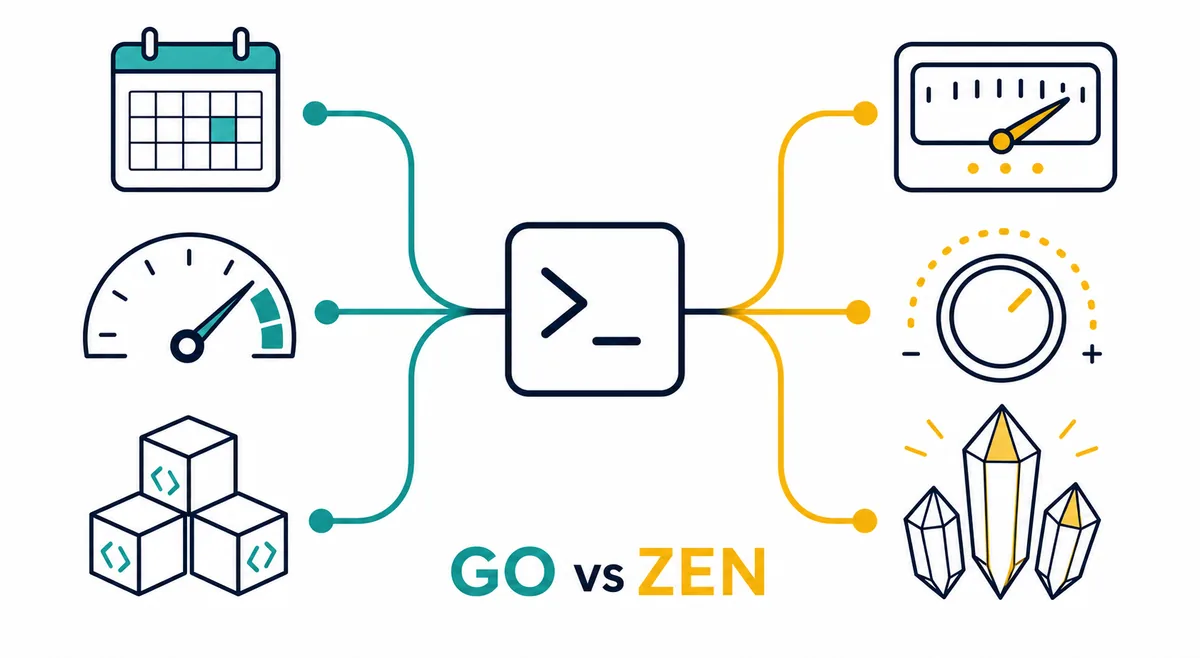
| Decision | OpenCode Go | OpenCode Zen |
|---|---|---|
| Billing | $5 first month, then $10/month subscription | Pay as you go; the official page currently starts with a $20 balance plus card processing fee |
| Model approach | Popular open-source coding models with plan-specific access | Curated and benchmarked coding models with transparent per-request pricing |
| Usage control | Model-specific request allowances shown for a five-hour window | Monthly spend limits and usage-based charges |
| Best for | Frequent coding with a predictable monthly base cost | Variable workloads, premium choices, and precise cost attribution |
| Setup | Create account, subscribe, connect API key, run /models | Create account, add balance, connect API key, run /models |
| Important caveat | Included models and limits can change | Model prices, availability, and top-up behavior can change |
1. Pricing: subscription predictability vs pay-as-you-go control
OpenCode Go is the easier option to budget when you expect to code most days. The official Go page checked on July 29, 2026 lists a promotional first month at $5 and a regular price of $10 per month. The subscription includes access to a rotating group of open-source coding models with model-specific request allowances. You can top up credit if the included access is not enough, but the practical reason to choose Go is the stable monthly starting point.
OpenCode Zen begins from a different assumption. Instead of bundling routine use into one subscription, it charges by request with prices shown for its curated models. The official Zen page currently asks users to add a $20 pay-as-you-go balance and displays a $1.23 card processing fee; it also describes automatic $20 top-ups when the balance reaches $5. That structure is useful when you want each model call reflected in spend, but it requires active budget limits and usage review.
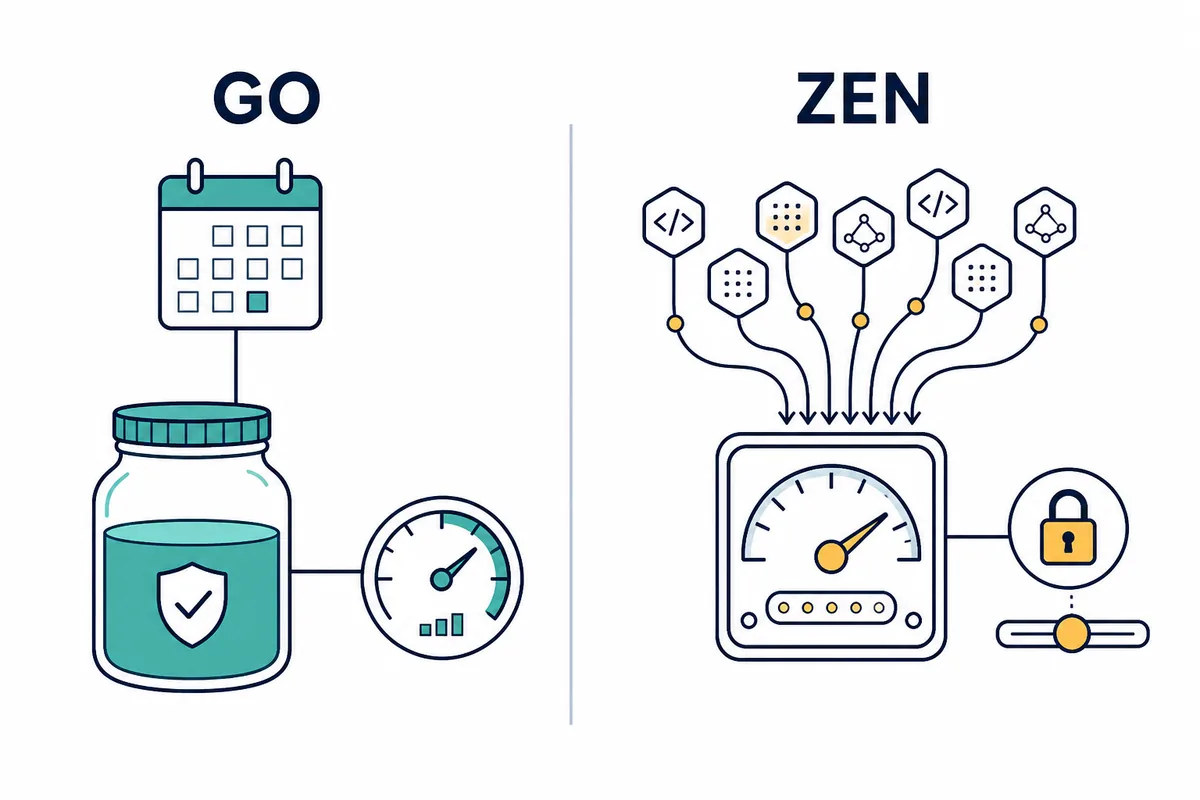
2. Models: broad low-cost access vs a curated coding catalog
Go focuses on making capable open-source models affordable for regular agentic coding. Its public model list includes multiple families and displays a request allowance beside each one. The exact names and limits are time-sensitive, so a durable decision should not depend on one model remaining in the plan. Choose Go because you are comfortable selecting among open-source coding options and value predictable access, not because a single temporary model happens to be listed today.
Zen emphasizes validation rather than a subscription bundle. OpenCode says its team tests selected models, works with providers on delivery, and benchmarks them for coding-agent use. This does not guarantee that every Zen model wins every repository task. It means the catalog is presented as a smaller, intentionally evaluated path for users who do not want to diagnose inconsistent provider behavior themselves. Check the current Zen model table before funding the account because availability and per-request prices may move.
3. Limits and spend controls work differently
Go shows usage as model-specific request counts per five-hour window. A lightweight model may permit far more requests than a costly model, so the word “subscription” does not mean unlimited use. Before choosing it for a team, identify the models you would actually run, compare their current allowances, and test whether a normal debugging or refactoring session fits inside the displayed window. Top-up credit is a fallback, not a reason to ignore the plan limits.
Zen is easier to attribute to a project because every request consumes balance, and the service provides monthly spend controls. That can suit consultants, small teams with irregular bursts, or developers who reserve certain models for difficult tasks. The tradeoff is less psychological predictability: a long autonomous run can spend faster than an occasional chat. Start with a small monthly cap, review the first week of usage, and only then decide whether automatic top-up is appropriate.
4. Privacy needs a policy check, not a plan-name shortcut
Zen's official page states that its models are hosted in the United States and that providers follow a zero-retention policy and do not use customer data for model training, subject to exceptions described by OpenCode. That is useful operational context, but it is not a substitute for reading the current provider terms. A repository may still contain source code, credentials, customer data, or regulated material that your organization cannot send to an external service.
Do not assume Go is automatically safer because it highlights open-source models, or that Zen is automatically safer because it is curated. Hosting, logging, retention, subprocessors, and organizational approval matter more than the model license alone. For sensitive work, verify the latest official privacy details, remove secrets from prompts, limit repository scope, and keep human approval for commands that affect deployment, data, payments, or authentication.
5. Setup is similar: connect first, then verify with /models
Both plans enter OpenCode through the normal provider flow. Create the account, complete the relevant subscription or balance step, run /connect, choose OpenCode Go or OpenCode Zen, and paste the API key when prompted. Then run /models in the TUI and select one of the currently offered models. Keeping the same connection pattern is helpful because you can compare plans without redesigning the rest of your repository workflow.
The first test should be deliberately small. Open a disposable repository, ask the model to explain one file, make a one-line documentation edit, run a read-only command, and inspect the resulting diff. Record the model ID, response latency, request or cost change, and whether the model followed project instructions. A successful login only proves the key works; it does not prove that the plan is the right economic or quality fit.
6. Choose Go for routine volume and Zen for selective control
Go is usually the stronger default for an individual developer who works in OpenCode every day and wants a low, understandable base price. It also fits teams that can standardize on a few open-source models and monitor request windows. If the plan's current model list covers your normal coding tasks, a subscription reduces the need to evaluate the price of every prompt and makes onboarding easier to explain.
Zen is usually the stronger fit when workloads are irregular, when you need curated model choices beyond the Go bundle, or when you want usage tied closely to a project budget. It can also complement Go: use the subscription for routine navigation, tests, and straightforward edits, then reserve Zen balance for a model or task that needs different capabilities. Two plans only help if your team documents when to switch; otherwise they create cost and model-selection confusion.
7. Run the same five-task test before committing
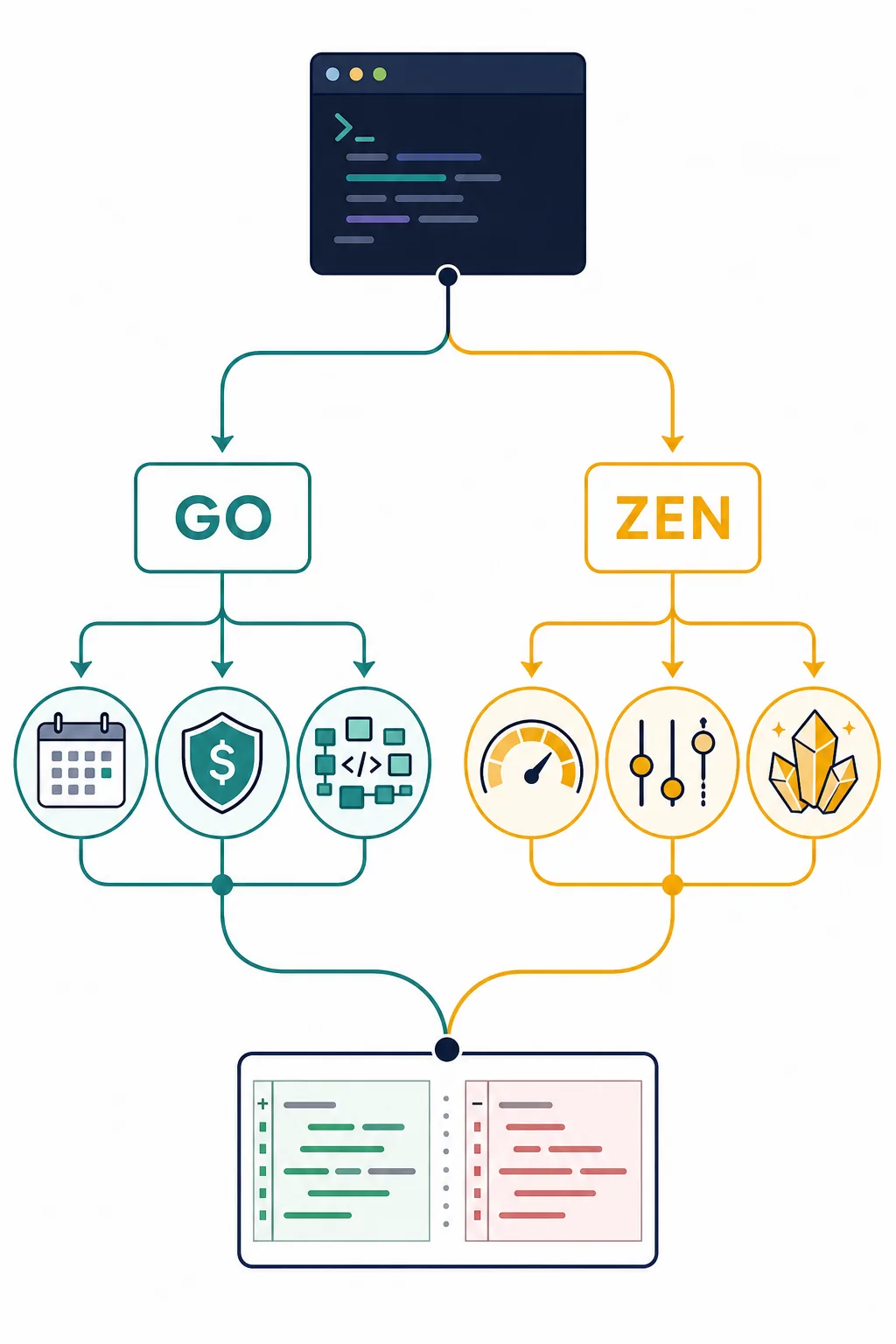
Use one low-risk repository and test both plans with the same workload: explain an unfamiliar module, fix a small bug with tests, refactor a medium function, update documentation, and review a diff without editing it. Keep the prompt, repository state, and acceptance criteria as similar as possible. Record total time, number of retries, model used, Go allowance consumed or Zen balance spent, and the amount of human cleanup required.
Choose from the complete workflow rather than one impressive answer. Go wins when the repeated tasks fit comfortably inside its current allowances and the monthly price removes budgeting friction. Zen wins when its curated model choices reduce retries enough to justify usage billing, or when spend limits and project attribution matter more than a flat base cost. Recheck the official pages before purchase because pricing, models, and limits are live product data.
OpenCode Go vs Zen FAQ
Is OpenCode Go the same as OpenCode Zen?
No. Go is a low-cost subscription centered on popular open-source coding models and plan-specific allowances. Zen is a curated pay-as-you-go catalog with per-request pricing and spend controls.
How much does OpenCode Go cost?
The official page checked July 29, 2026 lists $5 for the first month and $10 per month afterward. Treat that as a dated snapshot and verify the page before subscribing.
How does OpenCode Zen billing work?
Zen uses a prepaid pay-as-you-go balance. The checked page starts with a $20 balance, shows a card processing fee, and describes automatic top-up behavior when the balance becomes low.
Does OpenCode Go have unlimited requests?
No. The Go page displays different request allowances per five-hour window for different models. Check the model you plan to use rather than assuming the subscription is unlimited.
Can I use Go and Zen with another coding agent?
The official pages say both can be used with OpenCode or another compatible agent. Verify the target agent's provider and base-URL configuration before funding an account.
Which plan should a beginner choose?
Start with Go if predictable monthly cost and routine use are the priority. Start with Zen if you expect occasional use and want explicit per-request spending. Test both on a low-risk repository before production work.
Official sources checked
Pricing and provider references
Checked July 29, 2026. Important caveat: Included models and limits can change; Model prices, availability, and top-up behavior can change.