
OpenCode skills
OpenCode Skills Guide: 7 Rules for Reusable AI Coding Workflows
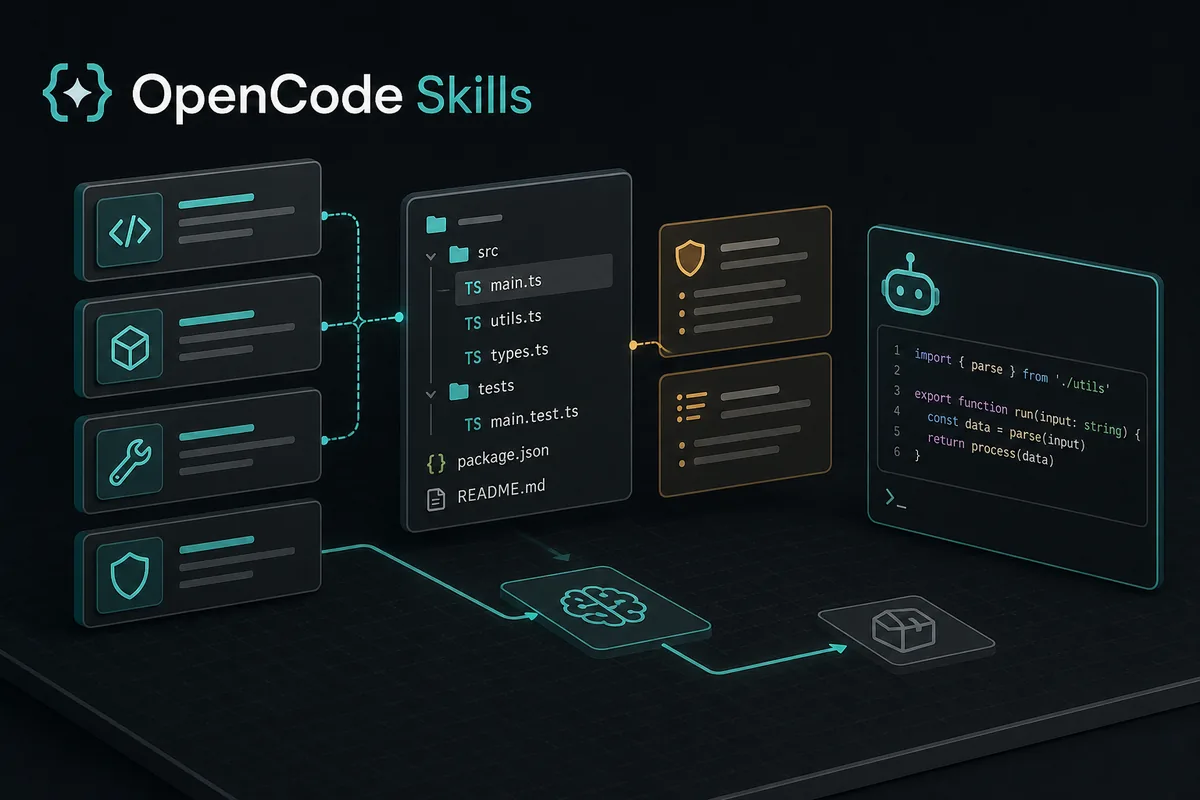
OpenCode skills are reusable instruction bundles for repeatable AI coding work. Use a skill when you want OpenCode to remember a procedure, checklist, domain rule, or review standard across tasks. Do not use a skill as a secret store, a replacement for an agent, or a shortcut for running arbitrary tools. A good skill is narrow, readable, versioned, and easy to test in a small repository before you trust it in production code.
- Primary keyword
- opencode skill
- Updated July 14, 2026
- 15 min read
Quick answer
OpenCode Skills
This page targets the distinct opencode skill intent. Existing deployment pages explain installing OpenCode, the Ollama page covers local models, the MCP page covers external tool servers, and the session storage page covers local history. Skills sit between those topics: they shape how OpenCode behaves during repeated work without becoming a provider, a shell command, or a remote integration.
1. Use an OpenCode skill only when the workflow repeats
A skill is worth creating when the same instruction appears in many prompts: review a migration, write a release note, check a security-sensitive diff, prepare a multilingual SEO page, or follow a repository-specific test ritual. If the instruction is a one-time note, keep it in the prompt. If it is a user preference that never changes, keep it in normal configuration or project documentation.
The best early test is practical. Run one small task with the proposed skill and compare the result with a normal prompt. If the skill reduces repeated explanation and produces a cleaner diff, keep it. If it adds vague policy language without changing the output, delete it or merge the useful line into a shorter prompt.
2. Choose global or project scope before writing the file
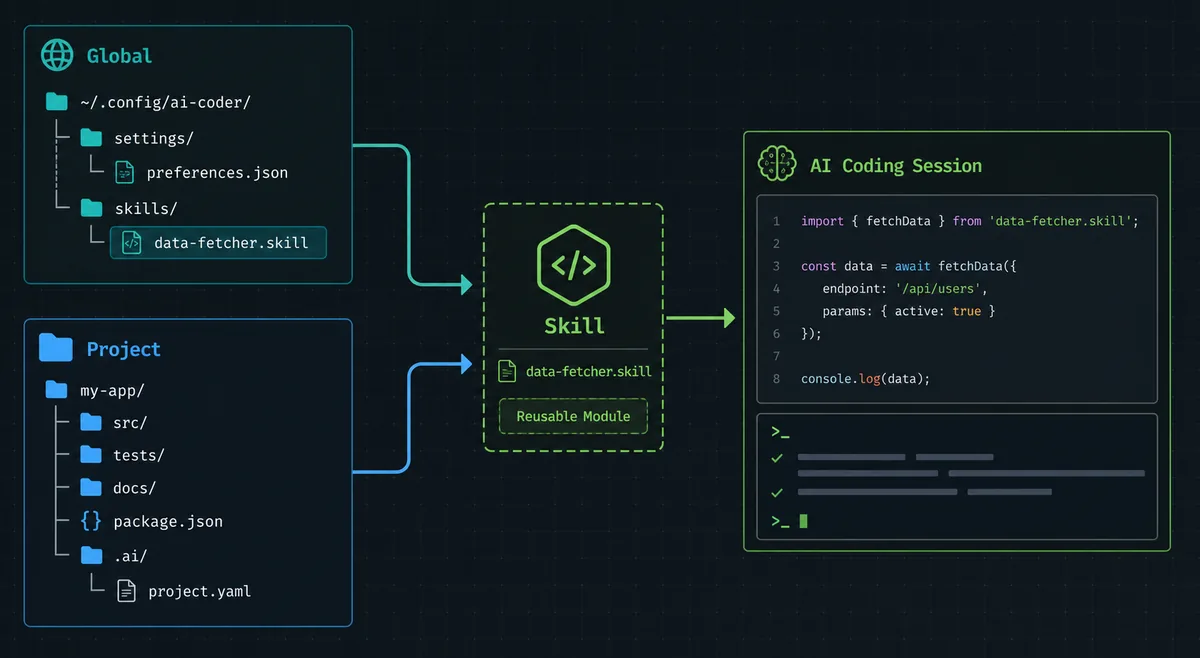
Use global skills for personal workflows that should follow you across repositories: how you want code reviews summarized, how you prefer validation notes, or how you handle recurring local tooling. Use project skills for repository rules: route conventions, test commands, content style, security boundaries, localization rules, and deployment constraints.
Project skills are easier for teams to review because they live near the code they affect. Global skills are powerful, but they can surprise you when an instruction designed for one stack changes behavior in another stack. When a skill mentions a framework, deployment target, content voice, or compliance rule, prefer project scope unless that rule is truly universal for you.
3. Skills vs commands vs agents vs MCP
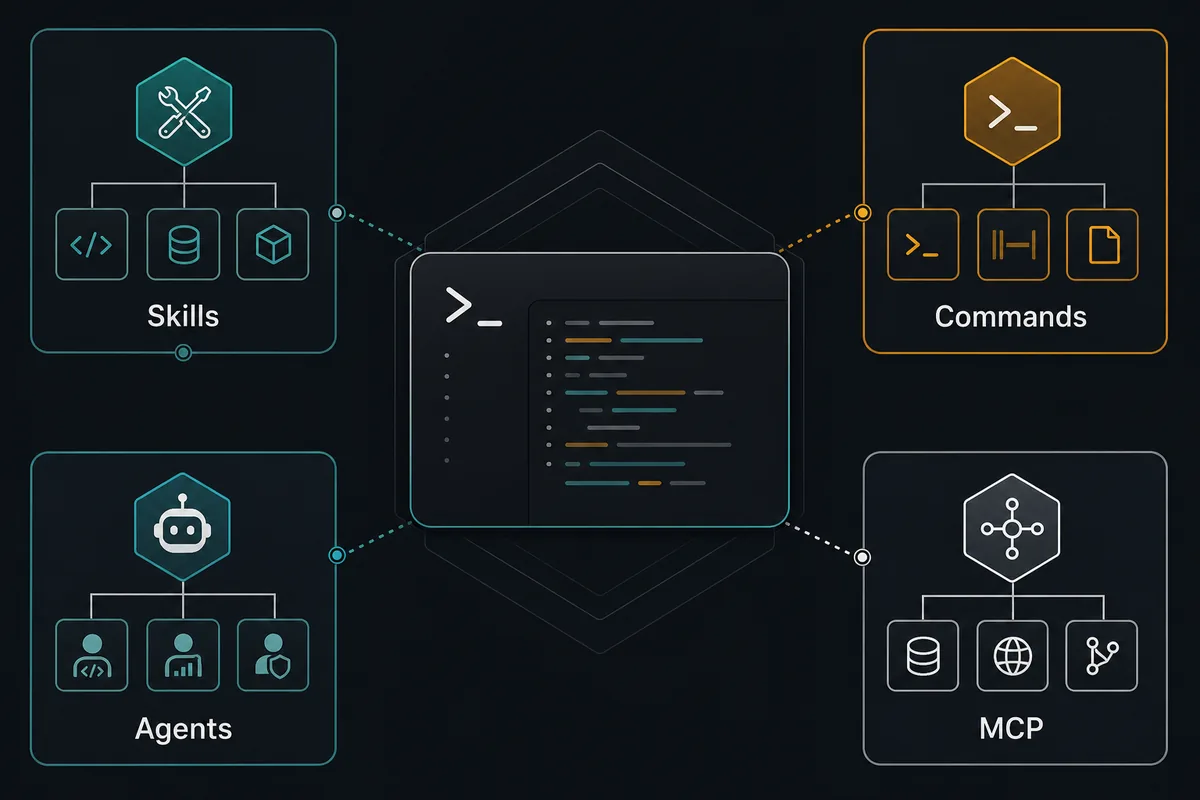
Use a skill for reusable guidance. Use a command when the user should trigger a named workflow directly. Use an agent when the task needs a separate role, tool set, or context boundary. Use MCP when OpenCode needs external tools from another service. These choices can work together, but they should not hide each other.
For example, a code review skill can describe what risks to prioritize. A command can start a release checklist. An agent can inspect a large subsystem independently. An MCP server can expose issue tracker or design data. If you put all four jobs into one skill, debugging becomes difficult because it is unclear whether the instruction, tool, role, or external service failed.
| Need | Use | Avoid |
|---|---|---|
| Repeat a checklist | Skill | Copying the same prompt every day |
| Run a named action | Command | A skill that secretly triggers a process |
| Separate role or context | Agent | One giant skill for every task |
| Call external services | MCP | Hardcoding tokens or endpoints in a skill |
| Repository-specific rules | Project skill | A global skill that surprises other projects |
4. Write skills as small contracts, not essays
A useful skill starts with a clear purpose, trigger, scope, required steps, and stopping rule. It should explain what the agent must do and what it must avoid. Keep examples close to the decision they support. Avoid long background sections, motivational language, and unrelated style preferences that make the skill hard to scan.
Write the skill so a teammate can review it like code. If it changes output style, include a short example. If it changes safety behavior, name the risk. If it changes validation, state the command or evidence expected. A skill that cannot be tested is usually too broad.
5. A practical OpenCode skill template
Start with a minimal skill before building a large library. The shape below is intentionally small: it defines when the skill applies, what context the agent should inspect, what checks must run, and how to report the result. Replace placeholder language with your repository's real commands and rules.
---
name: repository-review
description: Use when reviewing code changes in this repository.
---

# Repository Review

1. Inspect the changed files and nearby tests before giving findings.
2. Prioritize bugs, regressions, security risks, and missing validation.
3. Run the documented test command when the touched area has one.
4. Report findings first with file and line references.
5. If no issue is found, say so and mention residual test risk.
6. Keep secrets, prompts, and permissions separate
Do not store API keys, tokens, private base URLs, customer data, or production credentials inside a skill. A skill should describe how to handle secrets, not contain the secret itself. Use environment variables, provider authentication, a password manager, or the official credential path for the tool.
Also keep permissions explicit. If a skill allows file edits, command execution, publishing, or deployment, require validation and review evidence. Skills can make repeated work faster, but they should not silently remove the user's chance to inspect dangerous changes.
7. Troubleshoot skill failures by reducing scope
When a skill seems to make results worse, disable unrelated instructions first. Then run the same task with the skill, with a plain prompt, and with a shorter version of the skill. Most failures come from overlap: the skill competes with project docs, a user prompt, another skill, or a tool policy.
Keep a small changelog for team skills. Record why the skill exists, what problem it solved, and which validation changed after updates. If nobody can explain the last three edits to a skill, it is probably becoming a hidden policy pile instead of a workflow contract.
OpenCode Skills FAQ
What is an OpenCode skill?
An OpenCode skill is a reusable instruction bundle for a specific workflow, domain rule, or quality standard that OpenCode can apply when the task matches it.
Should I use a skill or an agent?
Use a skill for guidance inside the current workflow. Use an agent when you need a separate role, tool scope, or context boundary.
Where should project-specific OpenCode skills live?
Keep repository-specific skills with the project so the team can review, version, and update them together with the code.
Can a skill run commands?
A skill can tell the agent which validation commands matter, but it should not hide risky execution. Commands and tool permissions should stay explicit.
How many OpenCode skills should I create?
Start with one or two high-value workflows. Add another skill only when repeated prompts show a clear pattern and the skill improves output quality.
Related agent guide
For reusable workflow roles, read the OpenCode agents guide before splitting AGENTS.md rules into named subagents. OpenCode agents guide.
Sources
Official documentation was checked on 2026-07-14; commands and file locations can change with OpenCode releases.