
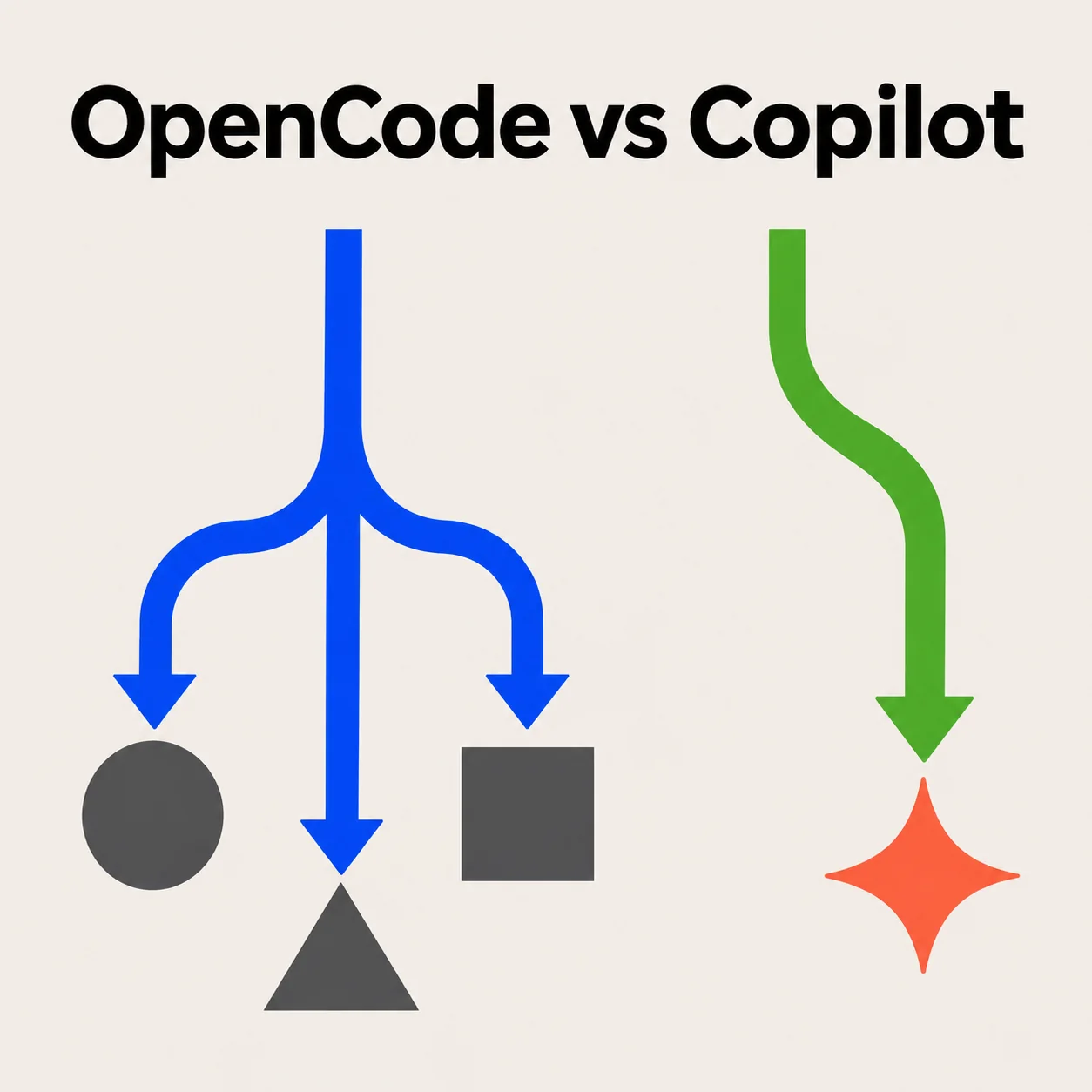
OpenCode vs GitHub Copilot at a glance
This comparison focuses on the decision a developer or team lead needs to make. Plan access and product features can change, so verify the linked official terms for your account.
| Decision area | OpenCode | GitHub Copilot |
|---|---|---|
| Product shape | Coding agent with configurable provider and model | Assistant products across GitHub and supported development tools |
| Typical workflow | Terminal-first sessions, with desktop and editor options | IDE assistance, GitHub context, and an official Copilot CLI |
| Model choice | Select from providers and models available to your setup | Plan and product determine the available models and features |
| Configuration | Project and user settings expose explicit workflow choices | GitHub account, IDE, repository, and organization policies shape use |
| Cost check | Include provider or OpenCode service charges and usage | Check current plan, included allowance, and any additional usage |
| Best fit | People who value provider flexibility and terminal control | Teams already invested in GitHub and supported IDE workflows |
| Main caution | A local client does not make a hosted model local | A subscription does not mean every feature is unlimited or eligible |
1. They solve the coding-assistant problem from different sides
OpenCode is a coding-agent application. You choose a provider, authenticate through a supported route, select a model, and configure how the agent works in your repository. Its value is the control surface: the same project can use a different model provider when cost, latency, policy, or capability changes. That flexibility also means that you own more setup decisions and must verify which provider and model a session is actually using.
GitHub Copilot is a family of assistant features connected to GitHub accounts and supported development tools. Depending on the product and plan, developers may use inline suggestions, chat, agent features, GitHub context, or the separate Copilot CLI. That package can feel more cohesive when a team already uses GitHub issues, pull requests, and a supported editor. It also means account eligibility, plan limits, and organization policy matter to the comparison.
Do not compare the names as if both were a single model. OpenCode is primarily the agent and configuration layer; the provider supplies a model. Copilot combines its product experience with access and plan rules. The right question is which end-to-end workflow your team needs, not which brand has the largest model list today.
2. IDE, terminal, and CLI workflows feel different
OpenCode is a natural fit for developers who already work in a terminal, move between repositories, or want an agent to read and edit files through a visible session. You can keep the tool close to the repository and inspect its changes in Git. OpenCode also has desktop and editor-related paths, so terminal-first does not mean terminal-only; check the current documentation for the exact surface you plan to use.
Copilot often fits best when suggestions and chat should appear inside a supported IDE, with GitHub identity and repository context nearby. Its official CLI is a separate command-line experience, not just another name for OpenCode. The interaction, available modes, account policy, and how changes reach the working tree can differ. If you work mostly in an IDE, that integration may save context switching; if you script or supervise agent runs in a shell, OpenCode may feel more direct.
The practical test is mundane: ask both tools to explain one unfamiliar module, propose a small change, show the diff, and run the repository's check command. Record how often you had to leave your normal workspace, how clearly the tool explained a change, and whether its permission prompts matched your team's expectations.

3. OpenCode gives you more explicit provider choice
OpenCode separates the agent from its model provider. The provider guide and model selector show how to connect supported services and choose an available model. That is useful when a team wants different providers for planning, routine edits, or a region-specific deployment. It is not a guarantee that every provider exposes every capability: verify the exact model identifier, tool support, context limits, and account permissions before you set a default.
Copilot offers model and feature choices through the current GitHub product and plan. That can reduce the need to manage separate provider credentials, but the catalog and allowances are governed by GitHub's current product rules. Model names, access, and usage can change. Before comparing output quality, confirm both tools are using a model and task mode that are actually available to your account on the day of the test.
A small evaluation is more useful than a model leaderboard. Give each tool the same bug report, one refactoring task, and one test-writing task. Keep repository instructions, acceptance criteria, and human review constant. Score correctness, unnecessary edits, test quality, and the time needed to reach a reviewable diff. If model selection is part of your decision, repeat one task with a second allowed model rather than assuming the default represents the whole product.
4. Compare total cost, not a headline price
OpenCode itself is only one part of the bill. A connection may use a provider's metered API, an OpenCode service plan, or a model running in an environment your team operates. Add the cost of the models, usage volume, required infrastructure, and the time spent maintaining credentials and configuration. A low per-request price can still be expensive if the model needs repeated retries or heavy human cleanup.
Copilot's current individual and organization plans bundle features and usage differently. The plan page may describe included allowances, premium requests or credits, and rules that vary by plan. Treat those as dated facts: check the current GitHub plan and billing pages before estimating a monthly budget. Do not describe a tier as unlimited unless the official terms say so for the exact feature you will use.
For a fair comparison, choose five representative tasks and run them in a disposable branch. Record the model or feature used, completion time, retries, review effort, and any usage shown by the product. Compare cost per accepted change, not cost per prompt. For a team, include the administrator's work: seat management, policy setup, procurement, and responding to usage questions.
5. Setup, configuration, and extensions favor different teams
OpenCode exposes user and project configuration, so teams can document the provider, model choice, permissions, ignored paths, and routine commands close to the repository. That makes behavior easier to review, but it also creates a responsibility: never commit API keys, inspect which configuration scope wins, and make the first request in a non-production branch. Our provider and JSONC guides cover those narrower setup questions.
Copilot setup often starts with a GitHub account and a supported editor or its official CLI. For an organization, the administrator may control who can use it, which repositories are eligible, and which features or data settings apply. That can reduce provider setup work for an existing GitHub team. It can also mean that a developer cannot resolve an account or entitlement issue by changing a local config file.
Check the integration that matters to you instead of counting extensions. OpenCode's provider, desktop, VS Code, and command documentation describe separate parts of its workflow. GitHub documents Copilot features and its CLI separately. A team that needs a specific editor, repository host, or automation path should run that exact workflow during the pilot rather than assume that a product-wide label guarantees support.
6. Privacy depends on the whole request path
A local command-line client does not automatically mean local inference. If OpenCode sends a prompt to a hosted provider, the repository context and request leave the machine according to that provider's service and retention terms. For a local model, confirm that the endpoint is truly local and check any telemetry or proxy in the path. Avoid using production secrets in either product's first test.
Copilot can be governed through GitHub plans, organization settings, supported IDE controls, and feature-specific policies. These controls change over time and may differ between personal and business use. Review the current GitHub documentation with the team administrator. Do not assume that a setting in one IDE applies to the CLI or to every Copilot feature.
For either option, write down the data classes the tool may see, the repositories where it may run, the commands it can invoke, and who approves changes. Start with a read-only task, then allow a small edit in a disposable branch. Keep API credentials outside version control, review every diff, and define how the team will disable access if a provider, model, or account policy changes.
7. Which one should you choose? Match the tool to the constraint
Choose OpenCode first if provider choice is a requirement, your normal work starts in a terminal, or you need explicit project-level configuration that can be reviewed with the repository. It suits a developer who is comfortable checking model IDs, provider terms, and Git changes. It is a weaker fit when nobody on the team wants to own provider setup or credential rotation.
Choose GitHub Copilot first if your team's daily work already lives in GitHub and a supported IDE, and you prefer one account and product surface for suggestions, chat, and CLI features. It suits teams that can manage plan access and policy centrally. It is a weaker fit if your decision depends on using an arbitrary third-party model, a provider outside the supported catalog, or a permission behavior that the current plan does not expose.
If neither constraint dominates, keep both as candidates for a short pilot. Do not put the same API key in two tools just to make the comparison easier. Use each product's supported authentication path and the same non-sensitive repository sample.
- Provider flexibility and explicit model choice matter most: evaluate OpenCode first.
- GitHub and IDE integration matter most: evaluate Copilot first.
- Central account administration matters most: have the GitHub administrator validate Copilot policy and usage before rollout.
- Local inference or sensitive code is required: verify the full data path for either tool; do not infer it from the client interface.
Run a fair 30-minute comparison
A short test will not predict every project, but it will expose the operational differences that a feature list misses. Use a repository without customer data, choose tasks that already have clear acceptance criteria, and have the same person review both sets of changes. Keep the test notes so that a later plan or model change can be compared with the same baseline.
Stop the trial if a tool sends data to a provider or account that the project has not approved. A useful pilot ends with a small diff, passing checks, a known bill or allowance, and a clear owner for configuration and access.
- Pick one explanation task, one contained bug fix, and one test-writing task.
- Use identical repository instructions, task descriptions, and acceptance checks.
- Record the provider or Copilot feature, model if exposed, retries, and time to a reviewable diff.
- Review commands, file scope, test results, and every changed line before accepting the work.
- Check current usage and account policy, then choose an owner for access and configuration.
OpenCode vs GitHub Copilot FAQ
Is OpenCode better than GitHub Copilot?
Not for every developer. OpenCode is a strong fit when provider choice and terminal control are priorities. Copilot is a strong fit when GitHub and a supported IDE are already central to the team's workflow. Compare both on the same repository tasks and current account rules.
Can I use GitHub Copilot with OpenCode?
OpenCode's current provider documentation includes a GitHub Copilot path. Check the current OpenCode setup instructions and your GitHub account's eligibility and terms before connecting. Do not assume a subscription permits every third-party client or feature.
Is OpenCode the same as GitHub Copilot CLI?
No. Both can support command-line work, but they are separate products with different setup, account, model, and policy rules. Compare the exact task flow documented for each CLI rather than treating their commands as interchangeable.
Which one costs less for a team?
There is no stable universal answer. OpenCode cost may include a provider or service plan; Copilot cost depends on the current plan, seats, and usage rules. Estimate cost per accepted change from a representative pilot and confirm current billing terms.
Does a local OpenCode setup keep code on my computer?
Not by itself. A hosted model provider receives requests according to its own service terms. Verify whether the chosen model endpoint is local, review proxies and telemetry, and follow your repository's data policy.
Are Copilot plan limits and model options fixed?
No. GitHub may update plans, included usage, models, and feature availability. Check the official plans page and the account's current settings on the date you make a purchasing or rollout decision.
Bottom line
OpenCode emphasizes provider choice and configurable agent workflows; GitHub Copilot emphasizes an assistant experience connected to GitHub and supported development tools. Choose by the constraints you can verify: workflow, account eligibility, model access, privacy controls, and cost per accepted change. Recheck official plans and provider documentation before a team rollout; these details can change after this page's review date.