
Quick answer
opencode hooks: what to know first
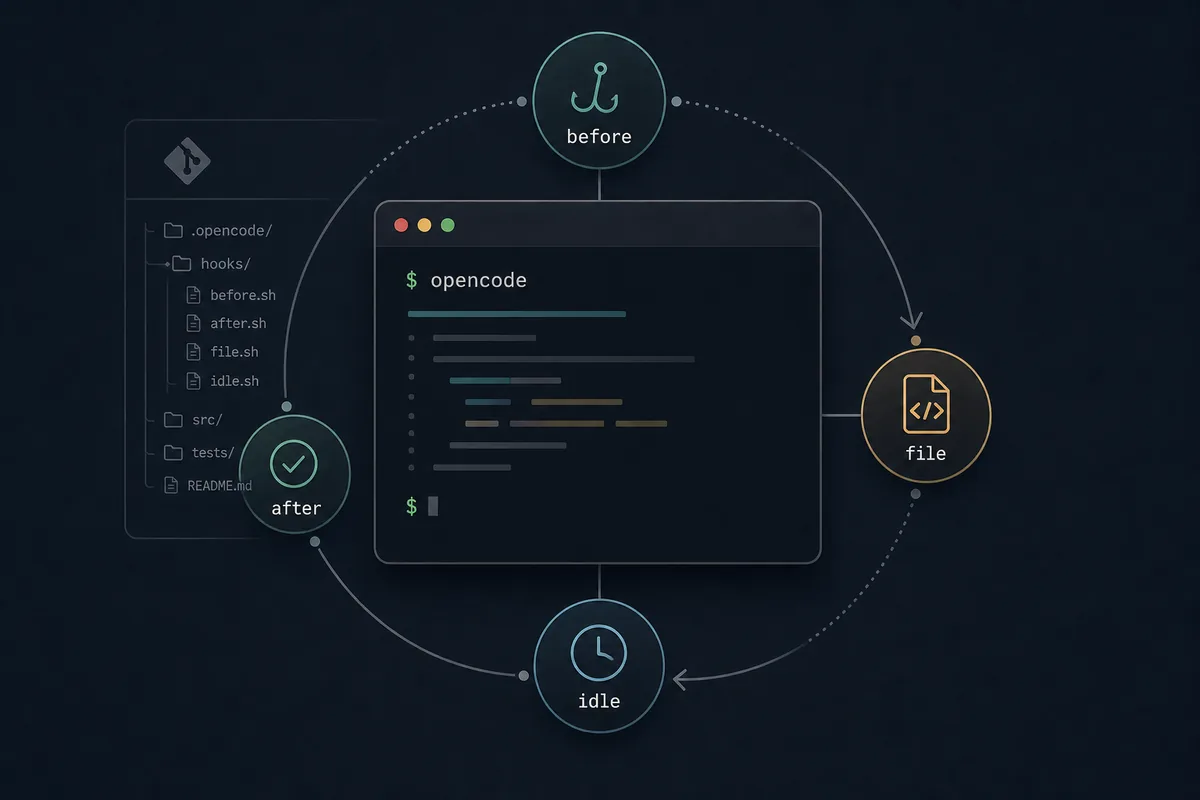
Use OpenCode hooks when the exact timing matters. A hook belongs around a lifecycle event such as before a tool runs, after a tool result, or after a file change. Use it for narrow guardrails: escaping a shell command, warning before generated folders are touched, recording a lightweight audit note, or reminding a workflow to run a project-specific check. Do not use hooks as a replacement for skills, commands, MCP servers, or normal permission settings.
The Similarweb keyword set for `opencode hooks` shows a distinct setup intent: users are not only asking what plugins are; they want to know how hook behavior attaches to OpenCode, how to avoid unsafe side effects, and how to test a hook before it changes a real repository. Existing plugin guides often mention hooks as one extension type, but they rarely turn that into a practical decision workflow.
This page deliberately separates `opencode hooks` from the site's broader OpenCode Plugins guide. The plugins page explains when packaged extensions are worth installing. This page focuses on lifecycle behavior: event choice, scope, placement, examples, failure modes, testing, rollback, and how hooks interact with tools, skills, commands, MCP, and GitHub automation.
Related site guides: OpenCode Plugins, OpenCode Skills, OpenCode MCP, OpenCode session storage.
1. Use OpenCode hooks only when timing is the problem
A hook is useful when the same check must run at a known point in the workflow. If you only need reusable advice, write a skill. If you need a user-triggered workflow, create a command. If you need an external service, use MCP. If you need to restrict a tool, start with OpenCode permissions. Reach for hooks when the behavior is about the lifecycle itself.
Good hook jobs are small and observable. Examples include checking whether a bash command touches a protected path, normalizing a generated command argument, warning before a large file is edited, or writing a short local log after a tool finishes. Poor hook jobs include broad deployment logic, secret handling, background network calls, or silent edits that users cannot review.
| User need | Best fit | Why |
|---|---|---|
| Reusable review instruction | Skill | It changes guidance without adding runtime side effects. |
| Explicit task like test or release | Command | The user chooses when it runs. |
| External API, database, browser, or tracker | MCP | The service boundary stays separate from prompt text. |
| Lifecycle check before or after a tool | Hook | The timing is the main requirement. |
| Block or allow a tool category | Permission | Policy should be visible before custom code is added. |
2. Where OpenCode hooks live in practice
Official OpenCode plugin documentation describes plugins as JavaScript or TypeScript modules that return a hooks object. Project-local plugin files normally belong under `.opencode/plugins/`; global plugin files belong under the user's OpenCode config plugin directory. The config documentation also shows that plugins can be loaded from npm through the `plugin` option in `opencode.json`.
For a team repository, start project-local. A hook that protects repository conventions should be visible to the people who review that repository. Global hooks are better for personal workstation preferences, such as local logging or command normalization that should follow you across projects. NPM plugins are best when the hook is maintained, versioned, and useful across many repositories.
- Use `.opencode/plugins/` for repository-specific hooks.
- Use global plugin storage for personal workflow hooks.
- Use npm-loaded plugins only when you can review source, version, and permissions.
- Keep hook behavior documented near the project config so another developer can disable it quickly.
3. Choose the lifecycle event before writing code
The most important hook decision is not the code. It is the event. The OpenCode docs show hook names such as `tool.execute.before` and explain tool-specific details such as checking `input.tool === "apply_patch"` for patch operations. That means a hook should be designed around what it sees at that event: input, output, tool name, arguments, and the operation's timing.
Before writing the hook, describe the event in one sentence: 'Before bash executes, escape the command argument', or 'After apply_patch, warn if the patch touched generated output'. If that sentence needs several unrelated clauses, split the hook. Multiple narrow hooks are easier to test and disable than one broad hook that changes several layers of behavior.
4. Safe hook examples and risky anti-patterns
A safe hook makes a small, explainable change. For example, a `tool.execute.before` hook can adjust an outgoing command argument, or a validation hook can warn when the next step should run the project's test command. The page content, hook name, and code comment should all agree on the same purpose.
A risky hook hides ownership. Avoid hooks that commit files, push branches, rewrite large patches, send repository content to third-party services, or store secrets. Those tasks may still be valid automation, but they need explicit commands, CI workflows, MCP boundaries, or reviewed application code rather than a lifecycle hook that runs unexpectedly.
| Hook idea | Decision | Reason |
|---|---|---|
| Escape a bash command before execution | Good narrow hook | The event and change are specific. |
| Warn when generated folders are edited | Good guardrail | It protects a repository convention without hiding work. |
| Run formatting after every edit | Use cautiously | It may create noisy diffs unless scoped to known files. |
| Commit and push after validation | Avoid as hook | It hides a high-impact Git action behind lifecycle timing. |
| Send code snippets to a remote API | Avoid or move to MCP | Network and privacy behavior need an explicit boundary. |
5. Test hooks in a disposable repository first
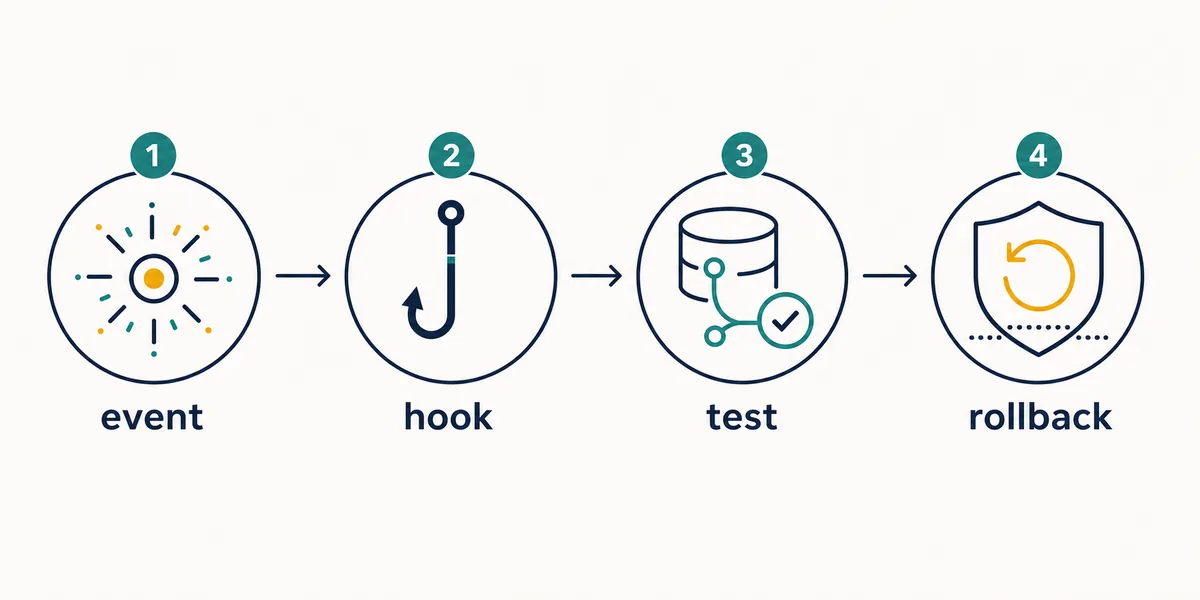
Treat hook setup like any other automation change. Create a tiny repository with one source file, one generated folder, and one harmless command. Run a task that should trigger the hook, inspect the command output, inspect the diff, and confirm the hook fails in a readable way when its assumptions are wrong.
Keep one rollback path. That might mean moving the plugin file out of `.opencode/plugins/`, removing one entry from the `plugin` array, or documenting the exact package version to uninstall. If disabling the hook is unclear, the setup is not ready for production use.
6. Troubleshoot hook problems by disabling one layer
When OpenCode behaves differently after hook setup, isolate layers in order: project hook, npm plugin, global plugin, project skill, command wrapper, MCP server, then provider/model settings. Run the same small task after each change. This tells you whether the problem comes from lifecycle code, instruction content, external tools, or model behavior.
Watch for silent failure modes. A hook can appear to work while reading stale config, running from a different working directory, or matching the wrong tool name. Record the hook event name, input condition, expected output, and one test command. That small note makes future upgrades safer when OpenCode plugin APIs change.
7. Keep hooks separate from GitHub and CI deployment logic
OpenCode also has GitHub workflow automation, but GitHub events and local plugin hooks solve different problems. GitHub workflows run in Actions and can create branches or pull requests. Local hooks run around an OpenCode session and should stay close to developer workflow checks.
Do not use a local hook as a hidden deployment system. If a repository needs CI checks, keep them in explicit workflow files. If a workflow must handle generated output, stage deployable files explicitly, ignore bytecode and cache artifacts, and skip commits when there are no staged changes. Hooks should support local guardrails, not make release behavior harder to audit.
OpenCode hooks FAQ
What are OpenCode hooks?
OpenCode hooks are lifecycle callbacks returned by plugin functions. They let custom code run around specific OpenCode events, such as tool execution.
Are OpenCode hooks the same as plugins?
No. Hooks are the lifecycle callbacks; plugins are the modules that load and return those hooks.
Where should I put an OpenCode hook?
Use a project-local plugin for repository rules, a global plugin for personal workflow behavior, and npm-loaded plugins only when the package is reviewed and versioned.
Should hooks replace OpenCode permissions?
No. Use permissions for broad allow or block policy. Use hooks only for narrow lifecycle behavior that permissions cannot express clearly.
How do I test an OpenCode hook safely?
Use a disposable repository, trigger the smallest matching event, inspect output and diffs, then document the rollback path before using the hook in real work.
Sources
Official OpenCode documentation and current SERP evidence were checked on 2026-07-23. Plugin APIs and event names can change, so verify exact code against the current docs before shipping a hook.