
Quick answer
opencode plugins: what to know first
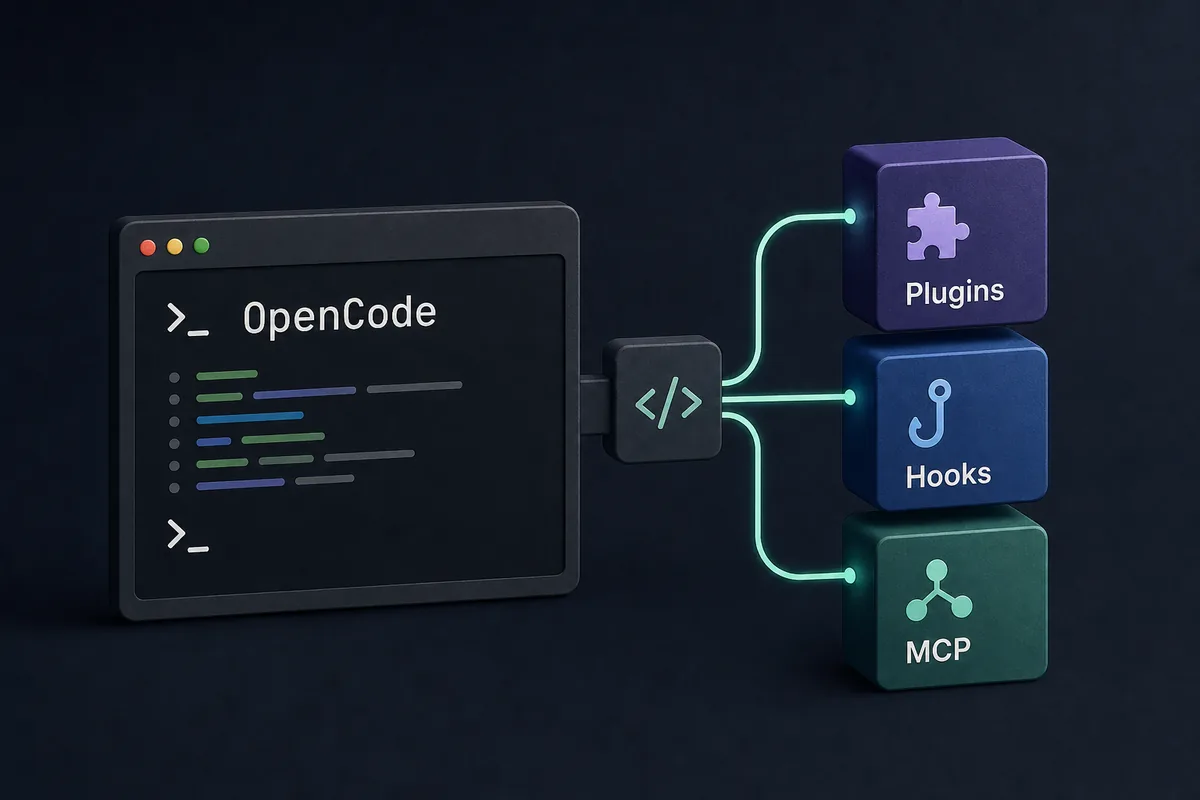
OpenCode plugins are best treated as optional extension points that can add behavior around an OpenCode workflow. Use them when the change belongs in repeatable code or a packaged integration. Use skills for reusable instructions, commands for named workflows, MCP for external services, and hooks for lifecycle checks. Before installing any plugin, verify the source, read the permissions, test it in a disposable repository, and keep a rollback path.
The search intent behind `opencode plugins` is not just installation. Developers want to know what a plugin can safely change, how plugins differ from OpenCode skills and MCP servers, whether hooks or SDK-style code are involved, and which plugin ideas are worth adopting. This guide answers that practical decision first, then gives a repeatable review checklist.
This page does not duplicate the existing OpenCode deployment, MCP, Ollama, session storage, or skills guides on this site. Those pages cover running OpenCode, connecting providers, connecting external servers, managing local history, and writing reusable instructions. This page focuses on the extension layer: when a plugin is the right shape, when it is too much, and how to keep the workflow auditable.
Related site guides: OpenCode Skills, OpenCode MCP, OpenCode Ollama, and OpenCode session storage.
1. Decide whether a plugin is the right extension shape
Create or install an OpenCode plugin only when the behavior needs reusable code, packaged distribution, or a repeatable integration point. If your goal is simply to remind the agent how to review a pull request, write a skill. If you want to start a named process such as a release checklist, use a command. If you need another service, database, browser, issue tracker, or design source, use MCP instead.
A plugin is most useful when the workflow would otherwise become scattered across shell scripts, repeated prompts, and manual notes. Good candidates include repository policy checks, local formatting helpers, workflow glue around hooks, or integrations that should be reviewed and versioned as code. Poor candidates include secrets, vague style preferences, one-time prompts, and anything that hides risky actions from the user.
2. Plugins vs skills, commands, agents, hooks, MCP, and SDK code
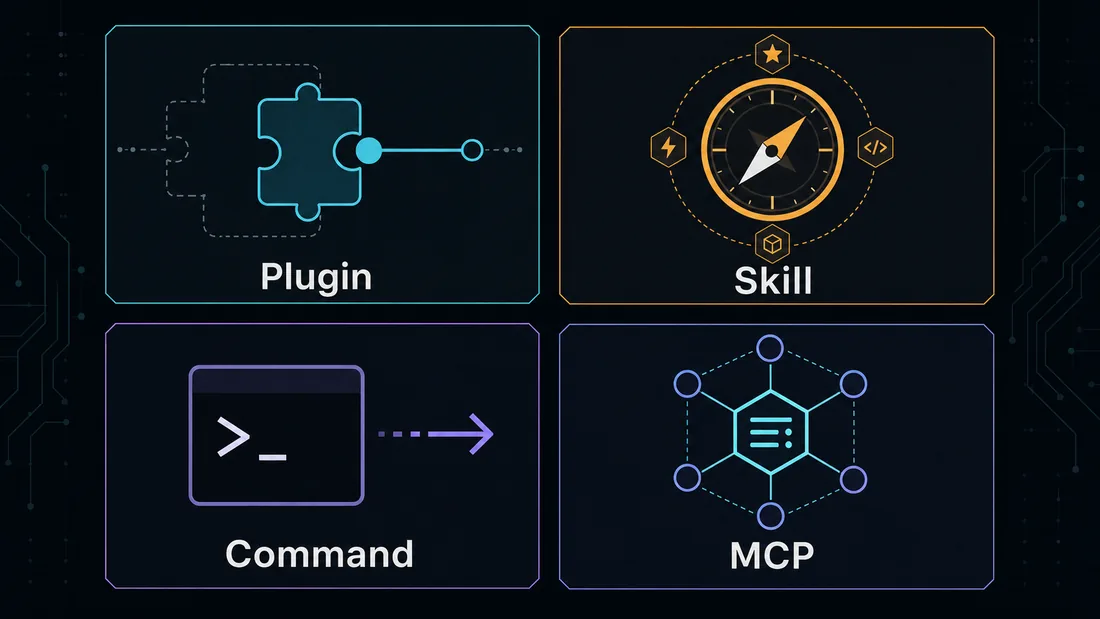
The easiest way to avoid a brittle setup is to give each extension type one clear responsibility. Plugins package behavior. Skills package guidance. Commands expose a named task the user can trigger. Agents separate role, context, or tool scope. Hooks run at a lifecycle point. MCP servers expose external tools. SDK-style code belongs when you are building a deeper integration outside normal page-level configuration.
When teams blur these boundaries, troubleshooting becomes slow. A failed result could come from instruction priority, plugin code, a hook side effect, an MCP connection, a model provider, or a command wrapper. Keep the decision visible in the repository so another developer can answer: what changed the agent behavior, what changed the runtime behavior, and what can be disabled first?
| Need | Best fit | Reason |
|---|---|---|
| Reusable review or writing guidance | Skill | It changes instructions without adding hidden runtime behavior. |
| Named workflow the user chooses to run | Command | It keeps the trigger explicit. |
| Packaged extension behavior | Plugin | It can be versioned, tested, and reviewed as code. |
| Lifecycle validation before or after a step | Hook | It belongs at a known point in the workflow. |
| External service or tool access | MCP | It keeps service integration outside prompt text. |
| Deep custom integration | SDK-style code | It belongs in a maintained package or app boundary. |
3. How to choose the best OpenCode plugins
Start with the workflow problem, not with a list of popular names. A useful plugin should remove a repeated manual step, make validation more reliable, or expose a capability that the team already trusts. Avoid installing a plugin only because it is popular, because it promises automation, or because it appears in an unverified list.
For each candidate, check five details: the maintainer, release history, permissions, configuration surface, and failure mode. A plugin that needs broad file access, command execution, network calls, or secret handling deserves a slower review than a plugin that only formats local output. If a plugin cannot be disabled cleanly, treat that as a maintenance risk.
- Prefer plugins with visible source, issue history, and recent maintenance.
- Reject plugins that ask for secrets without explaining storage and scope.
- Use a disposable repository for the first test run.
- Record the exact plugin version and why the team adopted it.
- Keep one fallback path that works without the plugin.
4. A safe OpenCode plugin install checklist
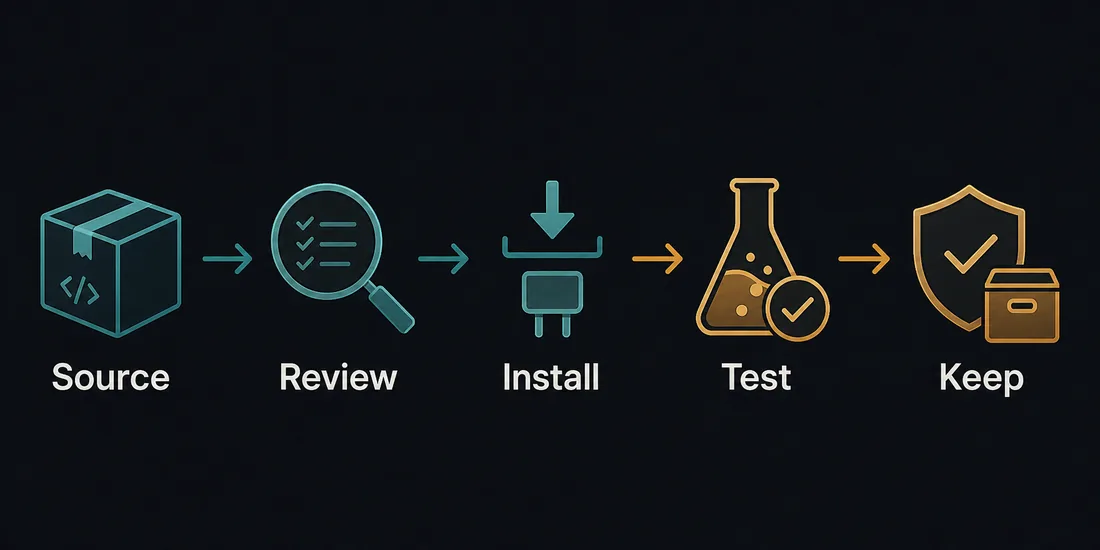
The safest install pattern is source, review, install, test, keep. First identify the official or maintainer source. Then read what the plugin changes and which files, commands, providers, or network paths it touches. Install it in a small test repository before using it in production work. Ask OpenCode to perform a narrow task and inspect the diff, command log, and any generated files.
Only keep the plugin if it improves the workflow without making the result harder to explain. A plugin that produces a clever result but leaves unclear side effects is not ready for a shared repository. Add a short note near the project configuration that explains what the plugin does, how to update it, and how to disable it during troubleshooting.
5. When OpenCode hooks deserve their own setup
The keyword cluster around `opencode hooks` is closely related to plugins, but hooks should not be treated as a generic plugin bucket. Hooks are useful when the timing matters: before editing, after generating a diff, before running a command, or after a validation step. They are a good fit for guardrails such as blocking generated folders, checking file size, or reminding the workflow to run a project-specific test.
Keep hooks narrow. A hook that tries to do policy, formatting, deployment, and notification at once becomes difficult to debug. If a hook changes files, make that behavior explicit. If it only warns, make sure the warning is visible in the normal workflow. If it calls external services, consider whether MCP or a separate command is a cleaner boundary.
6. Where SDK-style extensions fit
Searches for `opencode sdk` usually point to deeper customization: building an integration around OpenCode rather than only installing a small plugin. Use SDK-style code when you need a maintained app, internal developer platform, shared automation package, or bridge between OpenCode and company systems.
The tradeoff is ownership. SDK-style work needs tests, versioning, release notes, and someone responsible for breakage after upstream changes. For most teams, start with a skill, command, hook, or MCP server. Move to SDK-style code only after the workflow proves stable and the integration value is higher than the maintenance cost.
7. Troubleshoot plugin problems by disabling layers
When OpenCode behaves unexpectedly after a plugin install, do not start by rewriting prompts. Disable one layer at a time: plugin, hook, command wrapper, project skill, global skill, MCP server, then provider-specific settings. Run the same small task after each change. This isolates whether the problem is instructions, extension code, external tooling, or model/provider behavior.
Keep a short plugin change log. Record the plugin name, version, source, reason for install, files touched during the first test, and rollback command. This small habit makes future debugging much faster and prevents the plugin layer from turning into undocumented automation.
OpenCode plugins FAQ
What are OpenCode plugins?
OpenCode plugins are extension points for packaged behavior around an OpenCode workflow. They should be installed only when the behavior is reusable, reviewable, and easier to maintain as code than as prompt text.
Are OpenCode plugins the same as skills?
No. Skills are reusable instructions. Plugins add or package behavior. If you only need the agent to follow a checklist, use a skill before reaching for a plugin.
Should hooks be installed as plugins?
Sometimes, but timing matters more than naming. Use hooks for lifecycle checks and keep them narrow so they are easy to disable and debug.
What is the safest way to test an OpenCode plugin?
Test it first in a disposable repository with a small task, inspect the diff and command output, then document why you kept or rejected it.
Is an SDK better than a plugin?
Only for deeper maintained integrations. SDK-style code has higher ownership cost, so it should follow a proven workflow rather than replace early experimentation.
Sources
Official documentation and public SERP evidence were checked on 2026-07-15. Extension APIs can change, so verify install commands and compatibility before adopting a plugin.
For a dedicated lifecycle guide, see OpenCode Hooks Guide.