
An OpenCode Docker setup is useful when you need a reproducible runtime, a clear filesystem boundary, or a local model path. It is not automatically safer because it uses a container. The safety comes from the image source, mounted paths, provider credentials, network exposure, command permissions, and the evidence you collect before allowing edits.
Quick answer: pick the Docker path that matches the job
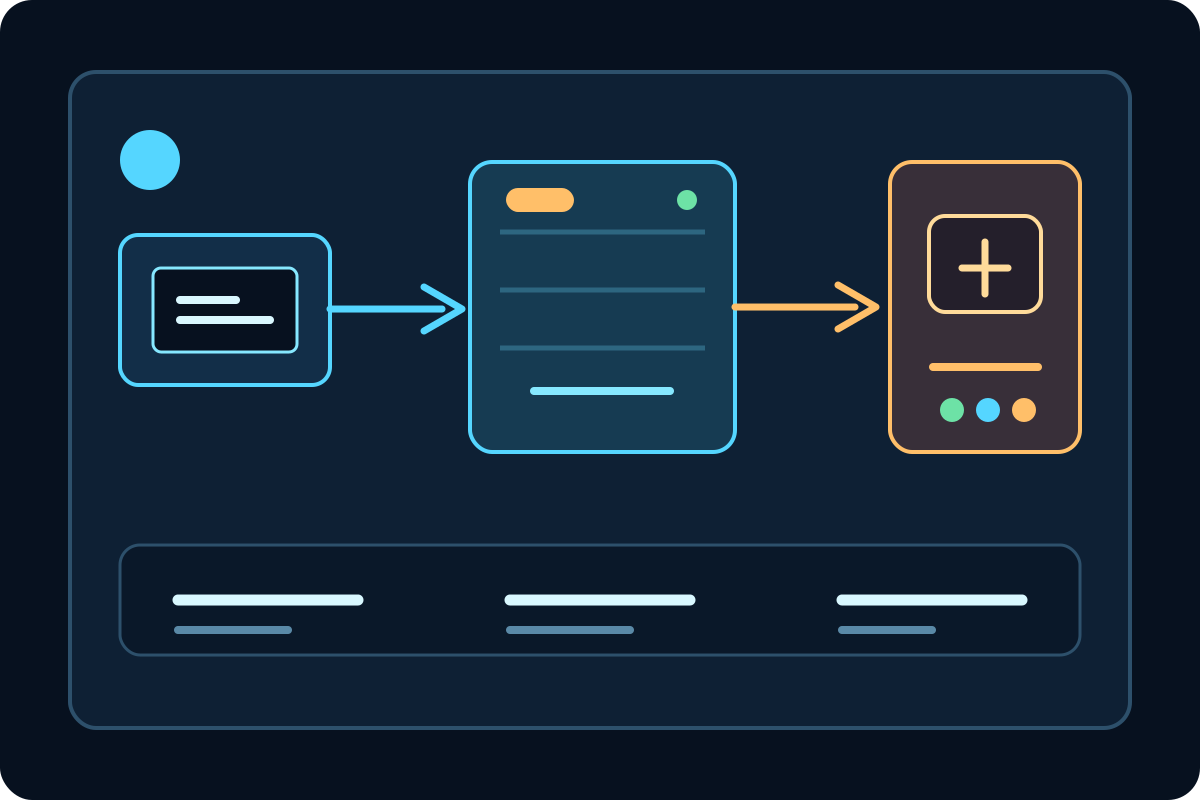
Docker Sandbox is the closest fit when you want an opinionated workspace around an AI coding agent. It gives you a defined project boundary and a documented authentication flow, but you still need to understand which files are mounted and which provider receives your code.
Docker Model Runner is a different layer. It supplies a local model service through an OpenAI-compatible endpoint, while OpenCode remains the coding interface. A working Model Runner endpoint does not configure OpenCode permissions, Git mounts, or the project directory for you.
A custom image is appropriate when you need a pinned Node version, system packages, a private certificate, or a repeatable Compose setup. It also creates more maintenance work: you own the Dockerfile, image updates, user permissions, and the way credentials enter the container.
Docker setup paths and their trade-offs
The keyword cluster includes `opencode docker image`, `opencode docker compose`, and `docker opencode`, but those phrases describe variants of one setup decision. They do not justify separate pages. Keep the differences in a table and let the reader choose one path before copying a command.
If you only need OpenCode to read and edit a repository, start with the smallest container that can run the official CLI and reach the selected provider. Adding a database, reverse proxy, or broad host mount before the first test makes failures harder to attribute.
If local model privacy is the reason for using Docker, separate the model service from the coding agent in your notes. OpenCode can call a Model Runner or another OpenAI-compatible endpoint; the endpoint choice does not remove the need for a project and permission review.
| Path | Good fit | Main boundary to verify |
|---|---|---|
| Docker Sandbox | A quick isolated OpenCode workspace | Authentication flow, mounted project, and sandbox permissions |
| Docker Model Runner | Local or private model inference | Model availability, endpoint path, port, and context budget |
| Custom Docker image | Pinned tools and team reproducibility | Dockerfile provenance, non-root user, updates, and secrets |
| Docker Compose | Several services or a repeatable team stack | Service names, network exposure, volumes, and shutdown cleanup |
Before you run OpenCode in a container
Check the image source before you mount source code. Prefer the official Docker documentation or a repository whose Dockerfile, release process, base image, and update history you can inspect. A popular image is not automatically the right image for a sensitive repository.
Decide which files the container can see. Mount one project directory instead of an entire home folder, SSH directory, cloud credential directory, or Docker socket. A container that can reach the host Docker socket may control more of the host than a normal project container.
Prepare provider credentials separately. Pass a short-lived environment variable or use the authentication flow documented by the provider; never bake an API key into a Dockerfile, image layer, Compose file committed to Git, or shell history. Keep `.env` files outside the image and confirm `.dockerignore` does not accidentally send secrets during a build.
Choose a small repository and a harmless first task. The baseline should include a read-only explanation, one low-risk documentation or test edit, a Git diff, and a formatter or test command that does not touch production systems.
Seven checks for a reliable OpenCode Docker setup
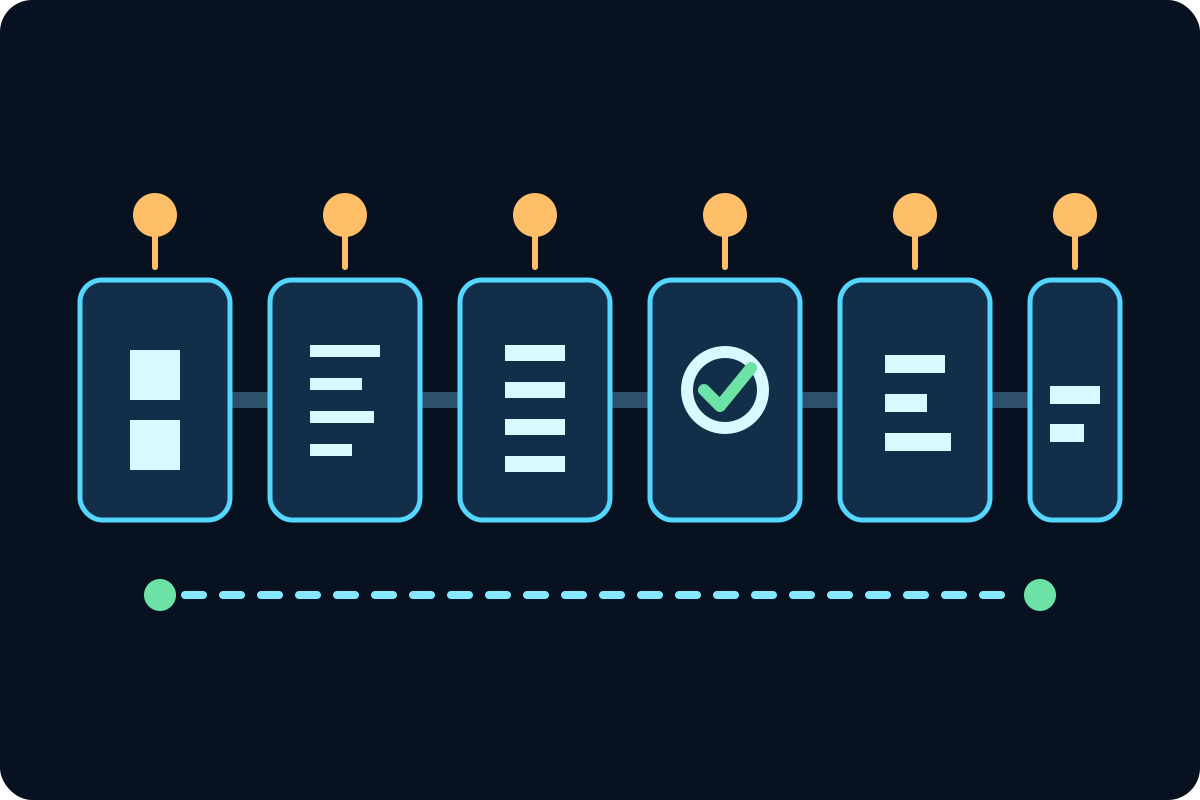
These checks turn a container launch into evidence. If the model is missing, you know to investigate the endpoint. If OpenCode reads the wrong files, you know to inspect the mount. If a low-risk edit crosses the boundary, you know to tighten permissions before trying a larger task.
Use the same order on a laptop and in CI. CI may need a different credential mechanism and a read-only workspace, but the evidence should still show which image, provider, project path, and command were used.
Do not treat a successful response as proof that the setup is safe. A model can answer while still seeing too much of the host, using an unpinned image, or writing to a volume that the team cannot review.
- Inspect the image Record the image name, tag or digest, base image, update source, and the user that runs inside it.
- Create a narrow workspace Mount only the intended project path and use a separate branch or worktree for the first write test.
- Connect one provider Use one verified model endpoint first; keep the API key outside the image and repository.
- Confirm the model Check the provider response, model ID, context limit, and expected port from inside the container.
- Run a read-only task Ask OpenCode to summarize a file and list assumptions before allowing edits.
- Review one small diff Allow a documentation or test fixture change, inspect Git diff, and reject unrelated files.
- Record cleanup Stop the container, remove temporary volumes, and write down the command, image, model, and fix notes.
Docker Model Runner and OpenAI-compatible endpoints
Docker Model Runner is useful when the goal is private or local inference. The practical sequence is to pull or enable a coding model, verify that the model service answers from the same network as OpenCode, then configure the provider with the exact base URL and model ID. Avoid copying a marketing name when the API exposes a different identifier.
Keep endpoint tests separate from OpenCode tests. A direct health or completion request proves the model service is reachable; an OpenCode read-only task proves the provider configuration, repository context, tool permissions, and terminal session work together.
A local endpoint can still be exposed too widely. Bind ports to the intended interface, avoid publishing a service to the public network by default, and document whether the container uses a host gateway, a Compose network name, or a remote model server.
# Illustrative shape only; confirm current image, endpoint, and model fields in official docs
docker run --rm -it --mount type=bind,src="$PWD",dst=/workspace --workdir /workspace -e OPENAI_API_KEY -e OPENAI_BASE_URL opencode-image:reviewed opencode
Permissions, secrets, ports, and Git safety
The container boundary is only one part of the permission model. OpenCode permissions, Docker mounts, Linux user IDs, provider access, and Git branch rules should agree. A read-only mount may block useful work, while a broad writable mount may let a bad command alter unrelated files.
For a team, write down the smallest useful command and the expected cleanup. State whether the container should be removed after the task, whether a named volume is allowed, which ports are private, and how a reviewer can reproduce the exact image and model path.
The safe first write is deliberately boring: one README sentence, one test fixture, or one formatting change. If the diff contains lockfiles, credentials, generated bundles, or files outside the project, stop and fix the boundary before asking for a second task.
| Check | Safer default | Red flag |
|---|---|---|
| Secrets | Inject at runtime and rotate after experiments | Key in Dockerfile, image history, or committed Compose |
| Filesystem | One project mount, non-root user, separate worktree | Home directory, SSH keys, or Docker socket mounted |
| Network | Only the provider endpoint and required ports | All ports published or a public model endpoint |
| Git | Inspect branch, status, and diff after every write | Container writes outside the intended worktree |
| Image | Pinned digest or reviewed release tag | Unreviewed `latest` image with no update owner |
Troubleshooting: isolate the failing layer
If `opencode` is missing, do not start by changing provider configuration. Confirm the image actually contains the CLI, the entrypoint preserves PATH, and the command runs in the intended user environment. If the image is correct, compare the host shell and container shell separately.
If the model list is empty, test the endpoint from inside the container. Check the base URL path, DNS name, port, credentials, and model ID. A host `localhost` address may point to the container itself rather than the host or a Compose service.
If the answer works but edits are wrong, reduce the mount and task scope, inspect the permission policy, and run one read-only request. Keep a short record of the image digest, provider, model, command, and Git diff so the fix can be repeated.
| Symptom | Likely layer | First check |
|---|---|---|
| OpenCode command is missing | Image or PATH | Run the version command inside the same image and workdir |
| Provider is visible but model is empty | Endpoint or model ID | Test the endpoint from the container and compare the exact ID |
| Files are missing | Mount or workdir | Print the working directory and list the mounted project |
| Requests time out | Network, port, quota, or model | Test a short request and inspect the container network path |
| Unexpected files changed | Mount, permissions, or prompt scope | Stop, inspect Git status/diff, and remove the broad mount |
OpenCode Docker FAQ
Can OpenCode run in a Docker container?
Yes. Docker can provide a bounded runtime for OpenCode, but the image, project mount, provider credentials, network, and command permissions still need review.
Should I use Docker Sandbox or a custom OpenCode image?
Use Docker Sandbox for a managed isolated workflow. Use a custom image when you need pinned packages, a private certificate, or a repeatable team environment and can maintain the image.
How do I connect OpenCode to Docker Model Runner?
Verify the model service first, then configure OpenCode with the documented OpenAI-compatible base URL and exact model ID. Test from inside the same container network.
What should I mount for an OpenCode Docker setup?
Mount only the intended project or worktree. Avoid mounting the home directory, SSH keys, cloud credential folders, or the host Docker socket unless the risk is explicitly understood.
Do I need Docker Compose for OpenCode?
No. A single container is easier to verify. Compose is useful when OpenCode, a model service, and supporting infrastructure must share a repeatable private network.
Why does an OpenCode Docker container see no model?
Common causes are a wrong base URL, a host-only localhost address, a missing model ID, a closed port, a provider key that was not injected, or a model service outside the container network.
Official sources to verify
Docker and OpenCode integration details change. Verify current image names, authentication fields, endpoints, and permissions against the official documentation before using a command in a sensitive repository.